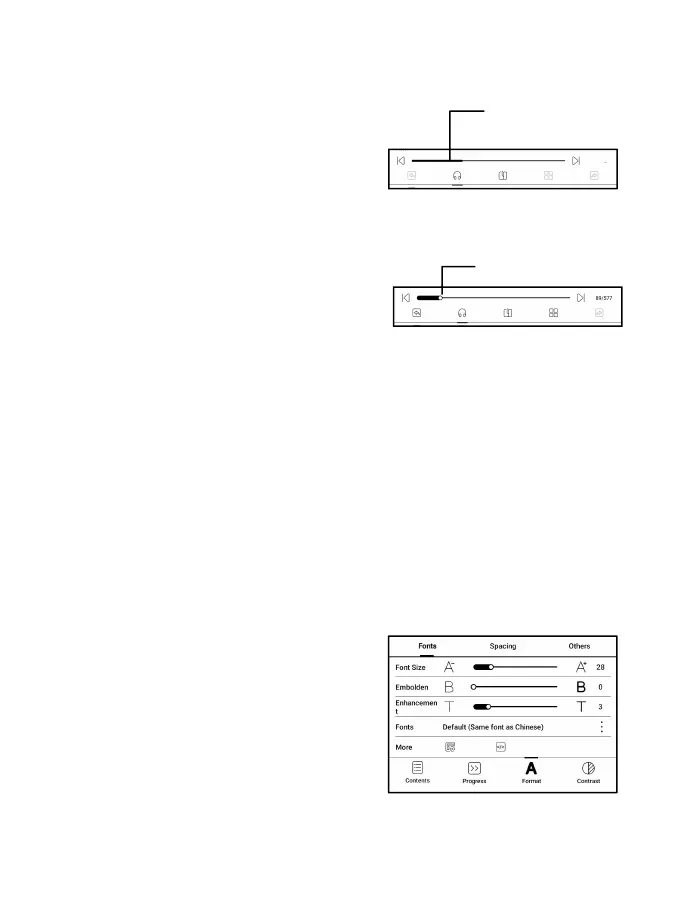
Progress
The document needs to be
paginated again after switched
to V2 engine or font and spacing
adjusted. You can check the
pagination progress in the
reading Menu/Progress. After
the progress bar is loaded, it means the pagination is
completed. You can drag the progress bar or jump to
another page after the pagination is completed.
Format
Fonts: You can import your own
fonts to use. Save your fonts to
Storage/fonts. When you open a
document, the fonts will be
detected. The settings such as font size, typeface, contrast,



 To Next Page