Reset App Optimization Tutorial
When you open third-party apps for the first time, an App
Optimization tutorial will pop up. If you want to see the
tutorial again, please reset the App Optimization Tutorial
here.
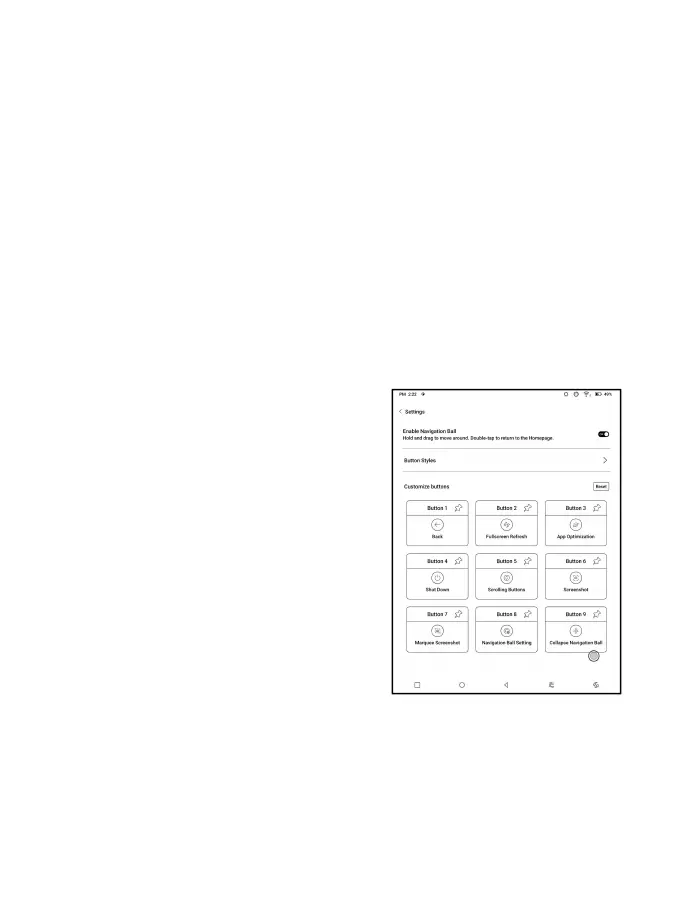
Navigation Ball
Tap the Navigation Ball to
expand or contract it. Its default
display style is fan-shaped. You
can change to other styles
(Horizontal Style and Vertical
Style) from the settings. You can
also set its opacity by
percentage. You can pin any
buttons which will always show on the top.



 To Next Page