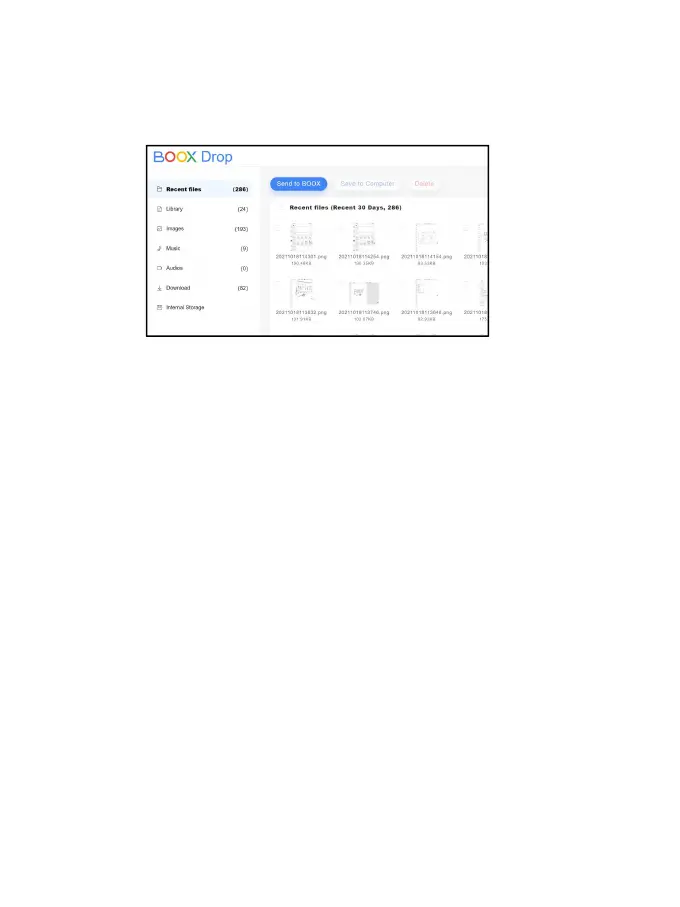
non-books, pictures, mp3, mp4, etc.)
Storage: Send files to the selected storage.
6. Save files to PC: when you select a file from your
BOOX on your PC, you can choose a saving path to
save to your PC.
Push History
You can only see the Send and Receive history on your
BOOX.



 To Next Page