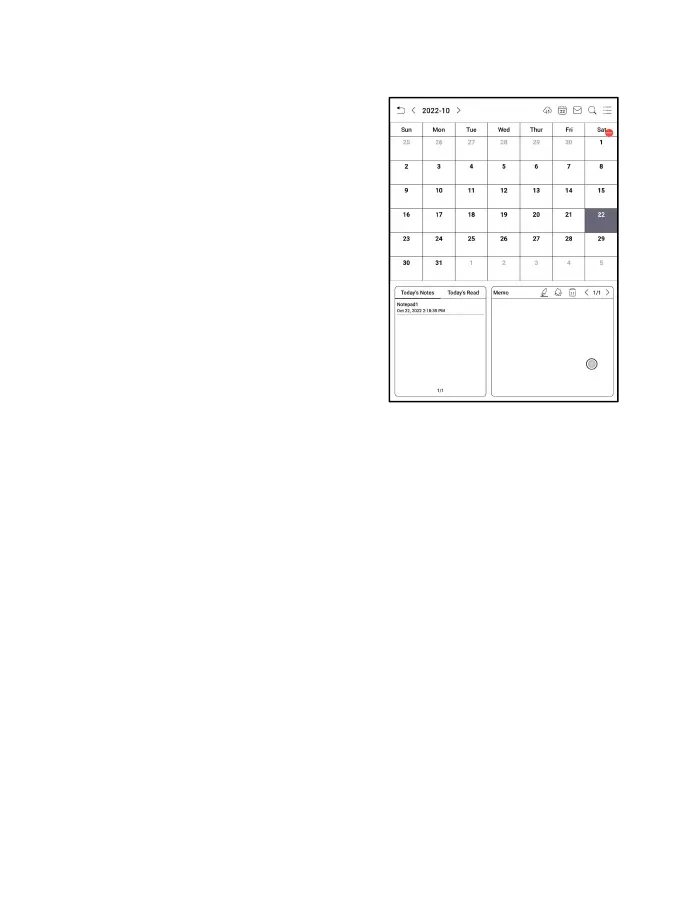
Calendar Memo
In Calendar Memo, it shows
Today ’ s Notes and Today ’ s
Read. Tap to open notes or
books. You can add memo to
each day and set the memo as
screensaver. Please refer to
Screensaver / Calendar
Screensaver for settings.
Currently, the calendar memos do not support sync to
cloud.
After logging in to Onyx account, you can email memos in
PDF to a designated email address.



 To Next Page