In zoom-in status, when the
zoomed-in page exceeds the screen
area, you can drag the page around to
check different areas. A single tap only
turns sub-pages. Tap the Virtual
Buttons to turn the whole page.
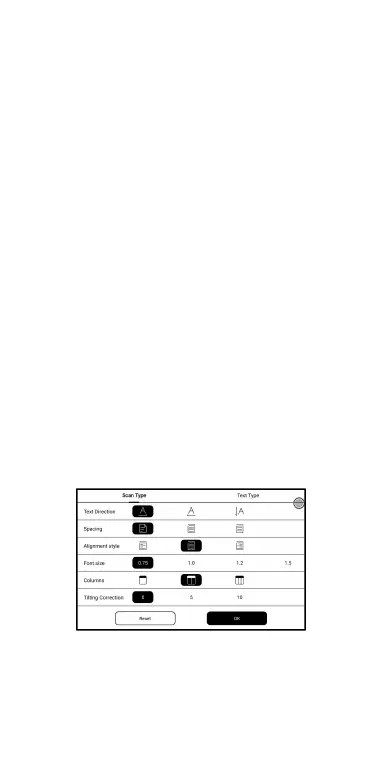
Reflow
Only apply to PDF\DJVU\CBR\CBZ in
scanned version and text-based
version.
You can adjust Text Direction,
Spacing, Alignment, Font Size,



 To Next Page