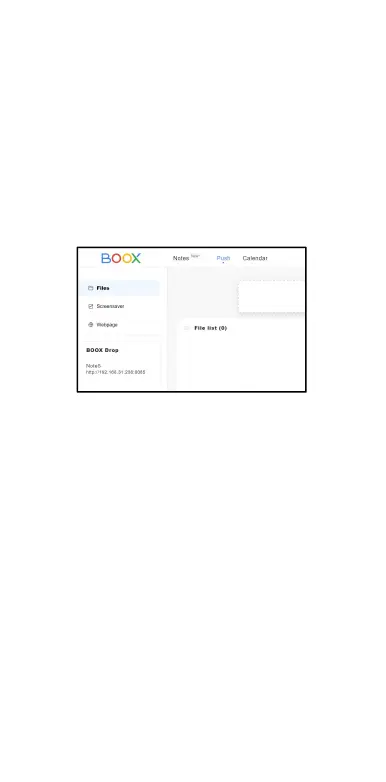
2.2 Log in to Onyx Account:
open push.boox.com.
You can see the
connected devices and
click any device to open.
3. When you open a connected
device, it will automatically
recognize whether your
BOOX and your PC are in the
same network. If they are not
in the same network, you can
not open the page. Please
change to the same Wi-Fi.



 To Next Page