Mic cannot work
Please go through the below troubleshooting steps to identify where the
issue originates.
1. Unmute
2. Check hardware compatibility
3. Test the headphones with another device
You can quickly figure out what is causing the problem by testing the
headset mic with another device. If it works in another device, perhaps the
problem sits with the device it was initially connected to.
①Windows PC
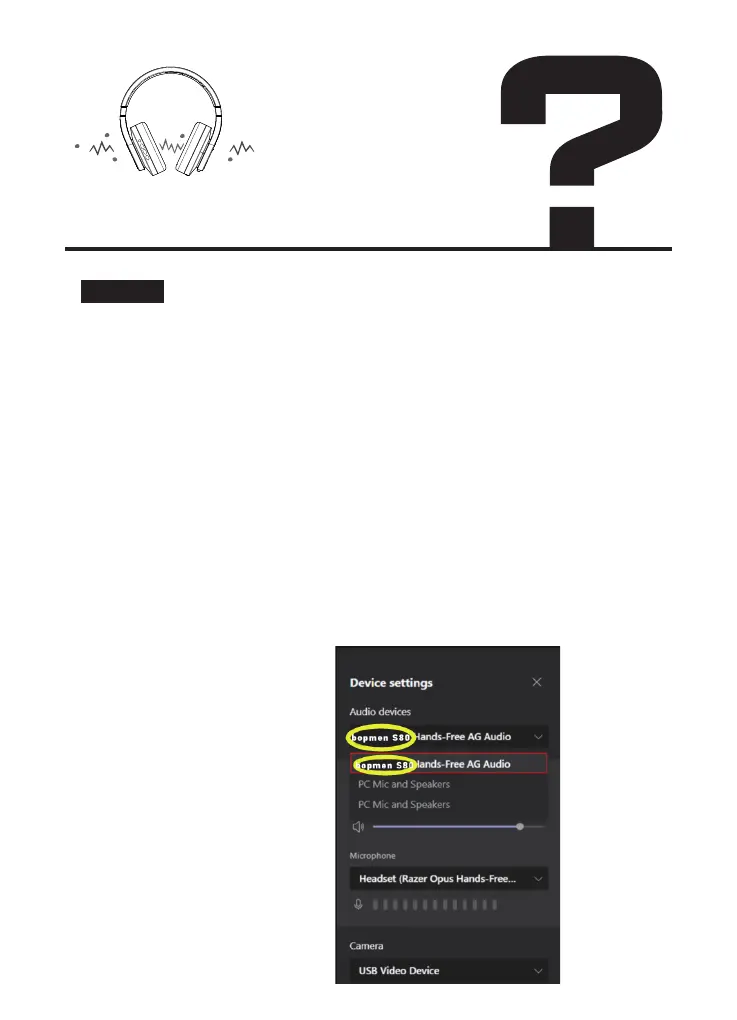
In the voice or video call app, make sure to select the correct audio setting
for taking calls by selecting the “Hands-Free AG Audio” profile. Otherwise,
microphone won't work.
See examples below:
Tap the audio icon in the lower
right of your taskbar.
Select “Hands-Free AG Audio.”
Solution:


 To Next Page