8
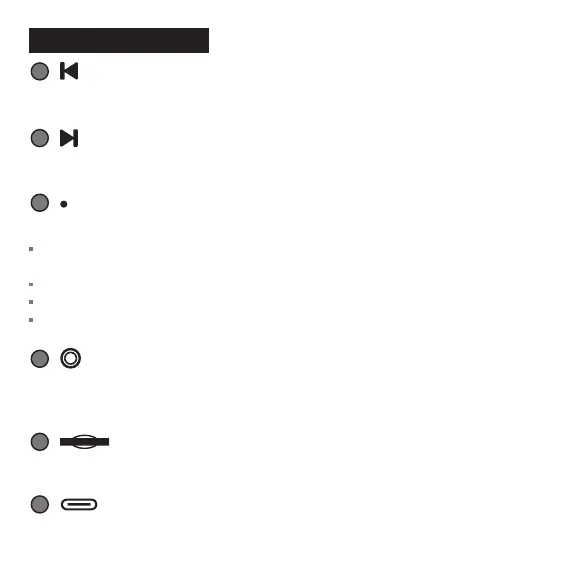
Previous Song: Press the Prev Song button
9
Next Song: Press the Next Song button
11
3.5mm Earphone Jack / Built-in Reset Button
When the karaoke microphone crashes, insert a sharp object into the hole to reset.
13
USB-C Charging Port
12
TF Card Slot
Operating Guide
10
Indicator
The indicator flashes in light blue when the karaoke microphone is turned on and set on
Bluetooth pairing mode, and the light is always on once pairing has been completed.
It flashes in red light when battery is low and the red light is always on during charging.
The red light turns off when the microphone is fully charged.
The blue light is always on in TF card mode.



 To Next Page