8
ENSmart BBQ Thermometer / User Manual
Connect the thermometer with your phone
1. Switch on your device and keep the blue-tooth switch of your
phone on.
2. Launch the app Digital BBQ and follow the instructions in the
app to pair and activate the device. Press the Pairing / Stop
Alarm Button (on the top of the device).
3. Connected successfully? Once paired the device with your
phone, you don't need to do it again, unless you change to
other phones.
Install the probes
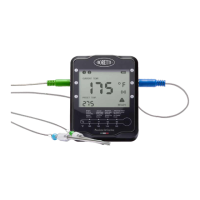
Insert the probes into the thermometer.
The device will keep scanning the sockets when its power is
switched on, the probe icons on LCD will display one by one
from1 to 6 (where probes are plugged in).
Take of the protective covers of the tips of the probes.
Then insert the probes into the food, make sure the front
tip of the probe is in the center of the food to get accurate
measurement of the core temperature.


 To Next Page