*
Caution
When the door is open, you can manually press the “LIGHT”
button to turn on or off the light, and when the door is closed,
the light settings wont change from your last operation before
the door closed. But when you open the door again, the light will
remain on automatically.
“Power”
To turn this appliance on/off.
* “Set Up” button
To set the temperature of the upper chamber.
* “Set Middle” button
To set the temperature of the middle chamber.
* “Up chamber”
To show the temperature of the up chamber.
* “Middle chamber”
To show the temperature of the middle chamber.
Upper zone: The temperature setting can be adjusted from 5°C to 10°C.
Middle zone: The temperature setting can be adjusted from 10°C to 18°C.
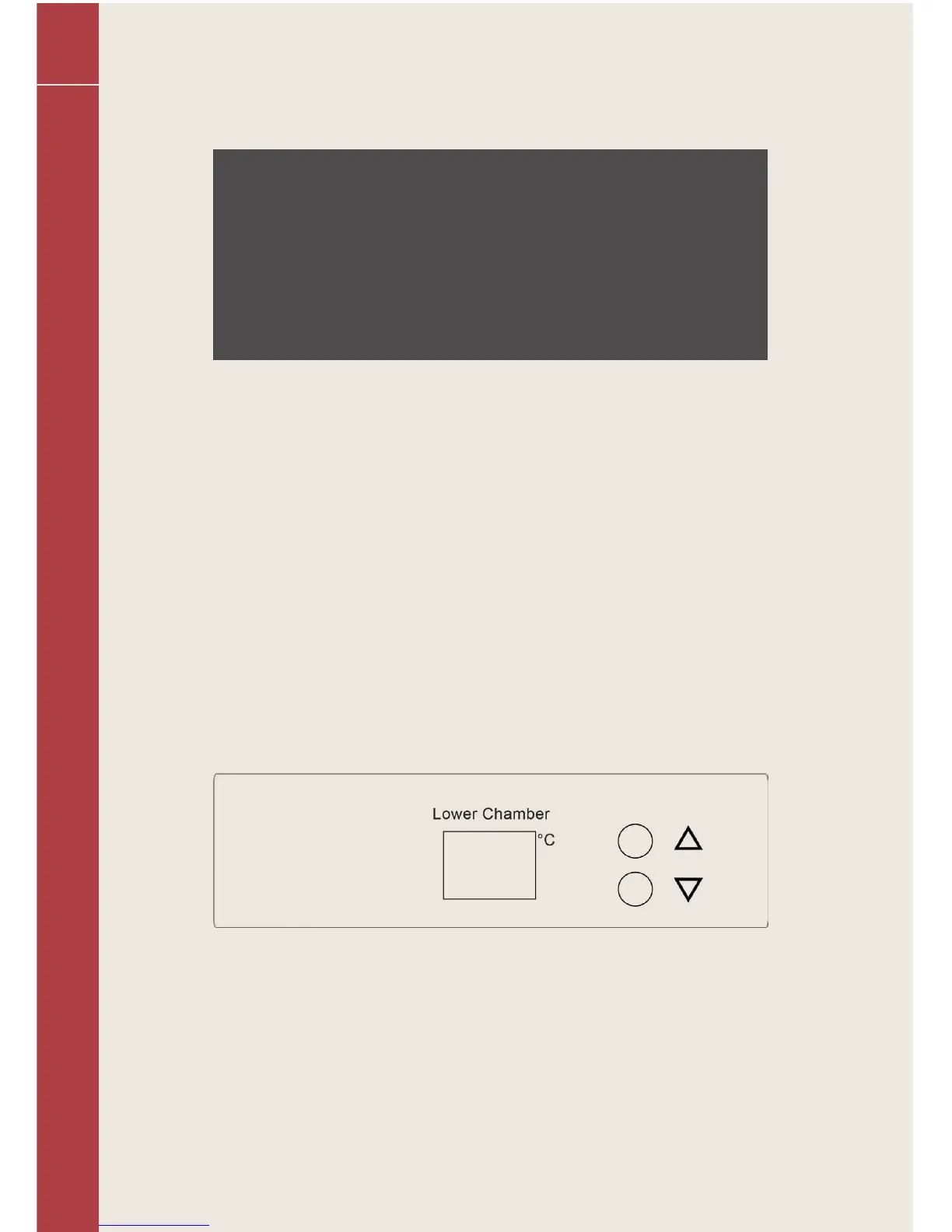
The controls (lower zone)
* “Up” button
Use to raise (warm) the temperature in 1°C.
* “Down” button
Use to lower (cool) the temperature in 1°C.
* Display
Shows the temperature of the lower compartment.
Lower zone: The temperature setting can be adjusted from 10°C to 18°C.
36



 To Next Page