EasyManua.ls Logo

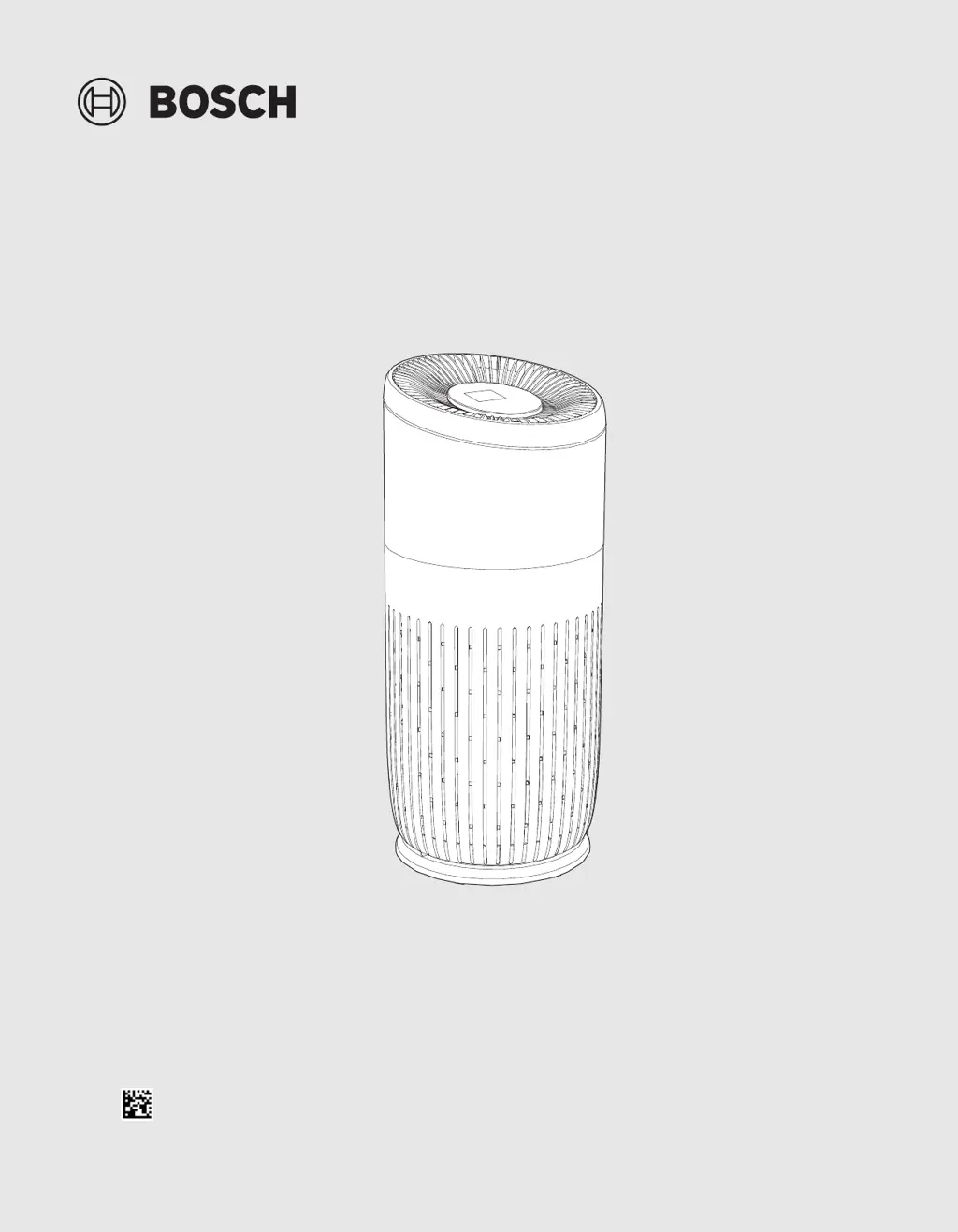
Bosch Air 4000 - User Manual

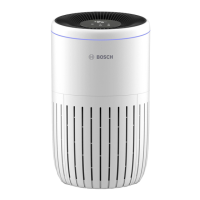
Bosch Air 4000
28 pages
Print Icon
To Next Page IconTo Next Page
Loading...
Installation instructions
Air Purifier
Air 6000
div 6721880026 (2024/01)

Table of Contents

Questions and Answers

Summary

Explanation of Symbols and Safety Instructions

Explanation of Symbols

Defines signal words like DANGER, WARNING, CAUTION, NOTICE for risk communication.

Safety Instructions

Provides critical safety guidelines for using the appliance, including danger, warning, and caution advice.

Important Instructions

Details important usage notes like polarized plug use and replacement part recommendations.

FCC Regulatory Notices

Outlines FCC compliance, modification statements, and interference rules for the device.

Product Description

Scope of Delivery

Lists the items included in the product package.

Product Overview

Identifies the main physical components of the air purifier.

Controls Overview

Explains the functions of buttons and indicators on the control panel.

User Interface Overview

Describes the information displayed on the digital interface.

Product Specifications

Provides technical details like CADR, power, size, and operating conditions.

Installation

Installing the Filter

Step-by-step guide for inserting the air purification filter.

Operation

Understanding the Air Quality Light Ring

Explains how the light ring indicates air quality levels based on PM2.5.

Switching ON;OFF

Instructions on how to power the air purifier on and off.

Changing the Mode Setting

Details on using Auto, Manual, and Quiet modes.

Cleaning and Maintenance

Cleaning the Housing of the Air Purifier

How to clean the exterior and interior of the air purifier.

Cleaning the Particle Sensor

Procedure for cleaning the air quality sensor for accurate readings.

Cleaning the Filter

Steps to clean the air filter using a vacuum cleaner.

Replacing the Filter

Guide on how to replace the air purification filter when needed.

Resetting the Filter

Instructions to reset the filter lifetime counter after replacement.

Moving and Storage

Troubleshooting

Environmental Protection and Disposal

Online Help Resources

Summary

Explanation of Symbols and Safety Instructions

Explanation of Symbols

Defines signal words like DANGER, WARNING, CAUTION, NOTICE for risk communication.

Safety Instructions

Provides critical safety guidelines for using the appliance, including danger, warning, and caution advice.

Important Instructions

Details important usage notes like polarized plug use and replacement part recommendations.

FCC Regulatory Notices

Outlines FCC compliance, modification statements, and interference rules for the device.

Product Description

Scope of Delivery

Lists the items included in the product package.

Product Overview

Identifies the main physical components of the air purifier.

Controls Overview

Explains the functions of buttons and indicators on the control panel.

User Interface Overview

Describes the information displayed on the digital interface.

Product Specifications

Provides technical details like CADR, power, size, and operating conditions.

Installation

Installing the Filter

Step-by-step guide for inserting the air purification filter.

Operation

Understanding the Air Quality Light Ring

Explains how the light ring indicates air quality levels based on PM2.5.

Switching ON;OFF

Instructions on how to power the air purifier on and off.

Changing the Mode Setting

Details on using Auto, Manual, and Quiet modes.

Cleaning and Maintenance

Cleaning the Housing of the Air Purifier

How to clean the exterior and interior of the air purifier.

Cleaning the Particle Sensor

Procedure for cleaning the air quality sensor for accurate readings.

Cleaning the Filter

Steps to clean the air filter using a vacuum cleaner.

Replacing the Filter

Guide on how to replace the air purification filter when needed.

Resetting the Filter

Instructions to reset the filter lifetime counter after replacement.

Moving and Storage

Troubleshooting

Environmental Protection and Disposal

Online Help Resources

Bosch Air 4000 Specifications

General IconGeneral
ModelAir 4000
BrandBosch
Air Quality SensorYes
Filter Replacement IndicatorYes
TypeAir Purifier
Filtration SystemHEPA Filter, Activated Carbon Filter
Smart FeaturesWi-Fi, App Control
Control TypeTouch control panel, App control
TimerYes

Related product manuals