en | 27
7 620 000 111/ 7 620 002 112 | 12.2019Robert Bosch Car Multimedia GmbH
enen
Robert Bosch Car Multimedia GmbH
① Volume control
② BND button
Short press: Select the memory bank
or waveband
Long press: Start the Travelstore function
③ On/off button
Short press: Switch on the device
During operation: Volume mute
Long press: Switch off the device
④ Display
⑤ MENU button
Open the basic settings menus
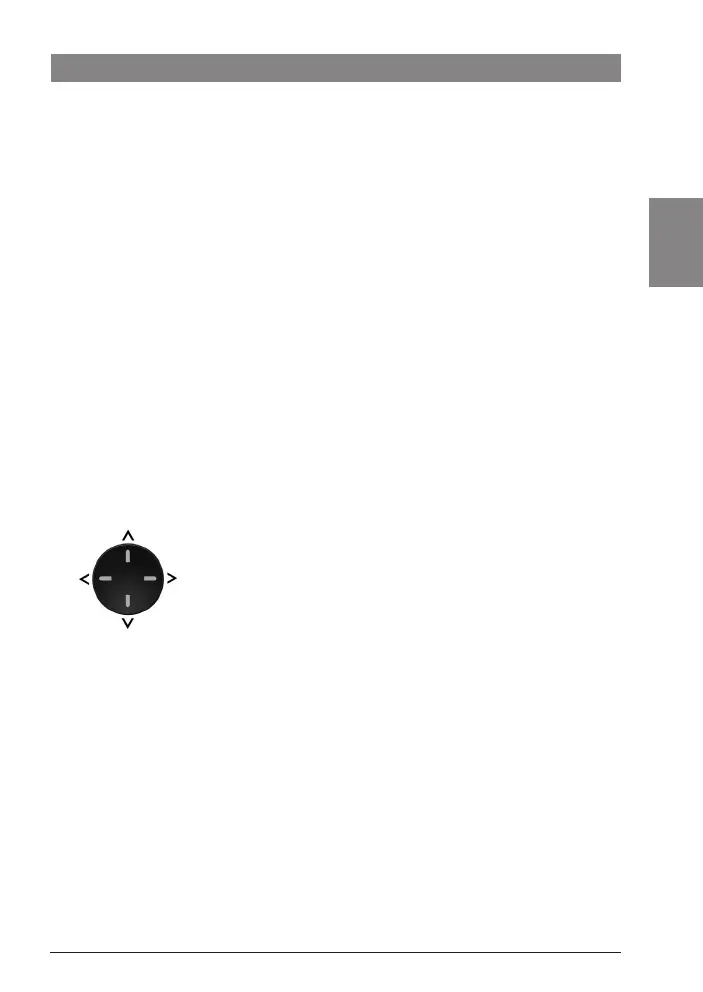
⑥ Multi-function rocker switch
⑦ AUD button
Short press: Open the audio menu for
adjusting the bass, treble, balance, fader
and loudness settings
Long press (10 sec.): Restore the factory
settings
⑧ Keys 1 - 6
⑨ TA button
Switch traffic information priority on/off
Cancel playback of a traffic announce-
ment
⑩ SRC button
Switch the source between radio and USB
/ AUX (if connected / activated)
⑪ IR receiver (only DAF RADIO LUXURY) for
the optional infrared remote control
Controls
02_DAF_Basic_Luxury_EN_2019.indd 27 12.12.19 12:56



 To Next Page