9
Getting familiar with the appliance
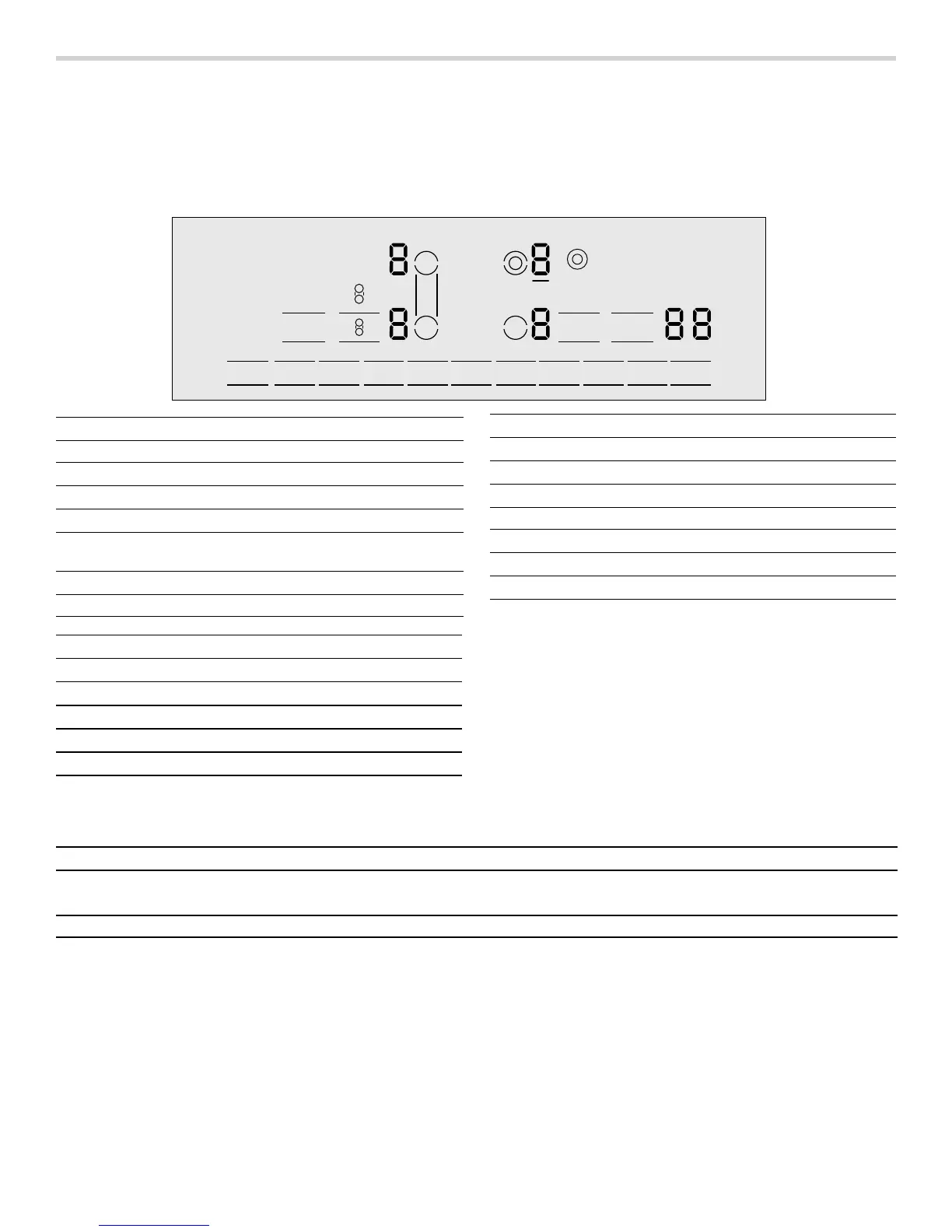
In this section we describe the control panel, elements
and displays.
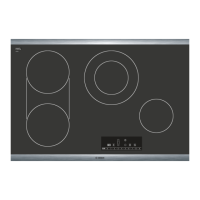
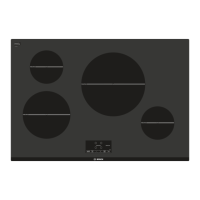
These instructions apply to more than one cooktop, your
appliance might vary slightly.
Page 2 contains a list of models and dimensions.
Control panel
Touch control zone
When you touch a symbol, the corresponding function
will be activated.
Notes
▯ When you touch several symbols at once, for example
when food spills over, the settings will not change.
▯ Always keep the touch control zones clean and dry.
Moisture and dirt can affect proper functioning.
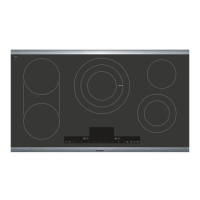
Heating elements
2Q2II
&OHDQ/RFN
&KLOG/RFN
NJO
7LPHU
[
%RRVW
*
Â
Â
Touch keys
On/Off Main switch
0 1 û 2 û ... 8 û 9
Settings area
$/ð
Select cooking element
à
Bridge element
Clean Lock/
Child Lock
Child safety lock / Wipe protection
BoostG
SpeedBoost
®
function
Timer Timer functions
Display icons
‹
Cooktop ready
Ú
Indicated function active
x
Cook time set
A
Indicates selected element
‹‹
Timer value
‚-Š
Power level
•/œ
Residual heat
›
SpeedBoost
®
function
min Time display
V
Kitchen timer function
ð
Dual element active
à
Bridge element active
Display icons
Elements Turning on and off
$
Single element Single elements have only one size cooking surface.
Activate: Touch the $ key.
The sizes of these elements can be matched to your pan size:
Always use cookware of a suitable size.


 To Next Page