EasyManua.ls Logo

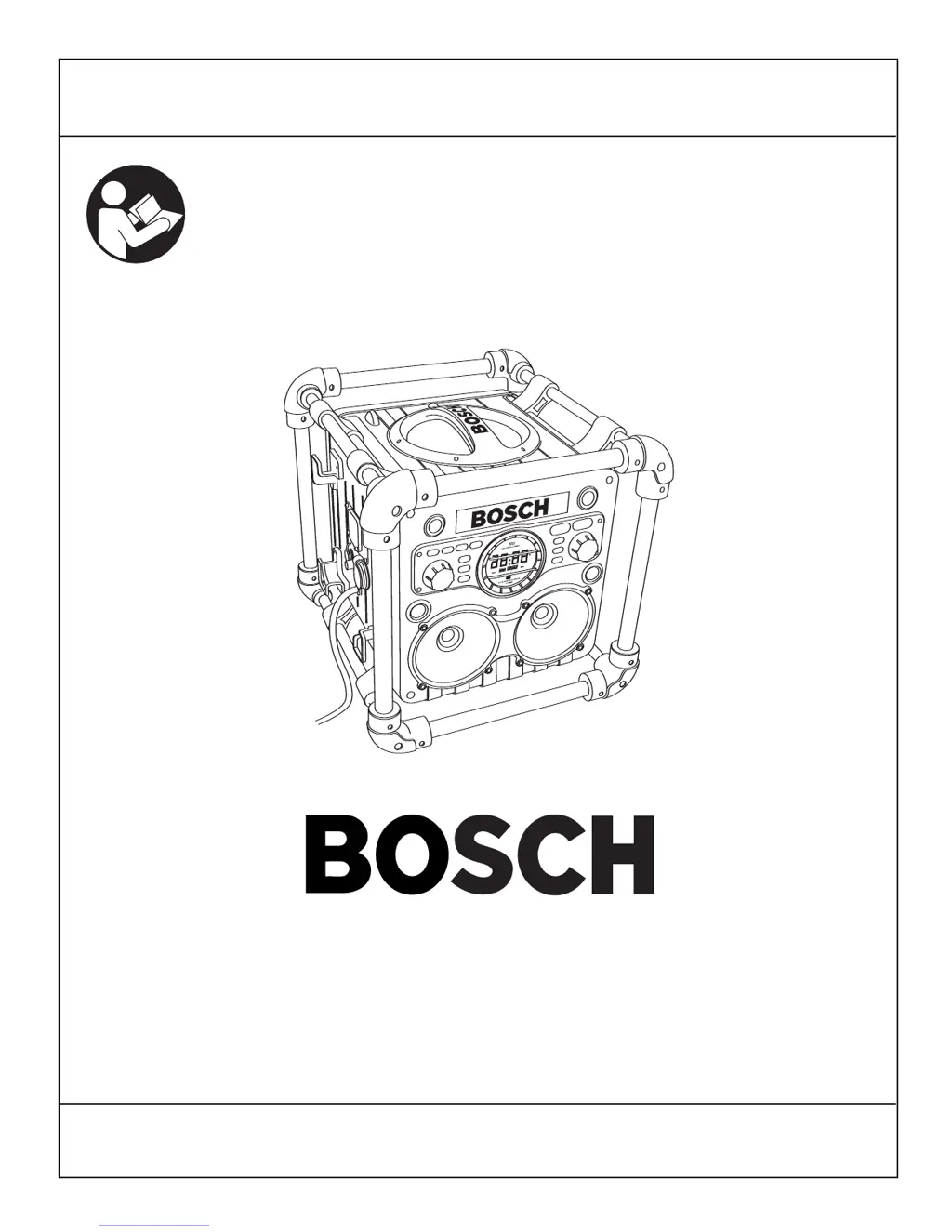
Bosch PB10-CD - User Manual

Bosch PB10-CD
40 pages
Print Icon
To Next Page IconTo Next Page
Loading...
For English Parlez-vous français? ¿Habla español?
See page 2 Voir page 14 Ver página 26
PB10
PB10-CD
Operating/Safety Instructions
Consignes de fonctionnement/sécurité
Instrucciones de funcionamiento y seguridad
Consumer Information
Renseignements pour les consommateurs
Información para el consumidor
Toll Free Number: Appel gratuit : Número de teléfono gratuito:
1-877-BOSCH99 (1-877-267-2499) http://www.boschtools.com
IMPORTANT: IMPORTANT : IMPORTANTE:
Read Before Using Lire avant usage Leer antes de usar

Table of Contents

Questions and Answers

  • D
    Devon AllenAug 8, 2025
    What to do if my Bosch Radio suddenly fails to work?
    • C
      Courtney WilliamsAug 8, 2025
      If your Bosch Radio unit suddenly fails to work, ensure the power cord is properly connected to the unit. If the LCD is not displaying power, the software may need a reset. Remove the battery and unplug the AC power cord, wait 30 seconds, and then reconnect the AC power cord.
  • O
    Olivia WilsonAug 16, 2025
    Why is my Bosch PB10-CD Radio noisy or has weak radio receiving?
    • T
      tnavarroAug 16, 2025
      If your Bosch Radio is noisy or has weak radio reception, it could be due to interference. Try moving the unit to a new location away from potential sources of interference. Also, the internal FM antenna might be affected; try turning the unit in different directions to improve reception.
  • M
    Mark ValdezAug 23, 2025
    What to do if the 4-Way Power outlet does not function on my Bosch PB10-CD?
    • J
      Jessica CrossAug 23, 2025
      If the 4-Way Power outlet on your Bosch Radio isn't functioning, first check if the power cord is properly connected; if not, plug in the AC power cord. If the red light is illuminated on the outlets, press the reset button. Also, perform the GFCI testing procedure.
  • D
    Dennis JonesAug 30, 2025
    What to do if the 12V DC outlet doesn’t function on my Bosch Radio?
    • J
      jose76Aug 31, 2025
      If the 12V DC outlet on your Bosch Radio isn’t working, check if the 1 amp fuse is properly inserted. If not, insert a 1 amp fuse. If the fuse has blown open, replace it.

Summary

Battery;Charger Rules

Battery Care

Guidelines for maintaining and handling batteries to prevent damage or hazards.

Battery Disposal

Instructions for environmentally sound disposal of used batteries, including Ni-Cd and Ni-MH.

Functional Description and Specifications

PB10 Controls Overview

PB10-CD Controls Overview

LCD Display

Setting the Clock

Operating Instructions

Audio Portion

Instructions for using the audio playback features, including radio and auxiliary input.

CD Player Operation

Instructions for playing CDs, including track selection, playback modes, and memory functions.

Auxiliary Function

How to connect and use external audio sources via the auxiliary input port.

Audio Settings

Adjusting sound preferences like Stereo/Mono, EQ presets, and Bosch Sound enhancement.

Releasing and Inserting Battery Pack

Charging Battery Pack

Important Charging Notes

Powering the Unit

USE OF GFCI

GFCI Testing Procedure

Steps to test the Ground Fault Circuit Interrupter outlets for proper safety function before use.

12 V Outlet Usage

Fuse Replacement

Clock Battery Replacement

Trouble Shooting Guide

Service and Maintenance

Battery Management

Guidance on battery life, storage, and replacement for optimal tool performance.

Cleaning and Care

Instructions for cleaning the main unit, CD lens, and discs to prevent damage and ensure proper function.

Accessories

Limited Warranty Information

Bosch PB10-CD Specifications

General IconGeneral
AM/FM RadioYes
CD PlayerYes
Auxiliary InputYes
Power SourceBattery/AC Adapter
Power Output10W
Frequency Range (FM)87.5-108 MHz
Power Supply120V AC Adapter

Related product manuals