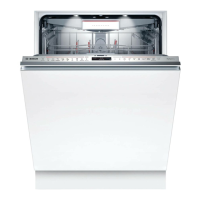
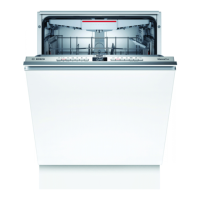
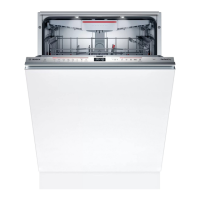
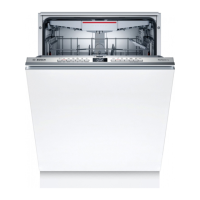
Familiarising yourself with your appliance aus
17
buttons You can use these buttons to scroll between the
basic settings.
→"Changing basic settings", Page36
Display
1
The display shows information about pro-
grammes, basic settings or additional functions.
You can change the basic settings via the display
and the setting buttons.
→"Changing basic settings", Page36
Display Remote Start
1
If you have activated the function and are con-
trolling the appliance via the HomeConnect app,
the display lights up on the appliance.
Door opener
1
"Opening the appliance door" →Page33
Rinse aid refill indicator "Rinse aid system" →Page27
1
Depending on the appliance specifications


 To Next Page