Familiarizing yourself with your appliance en-us
9
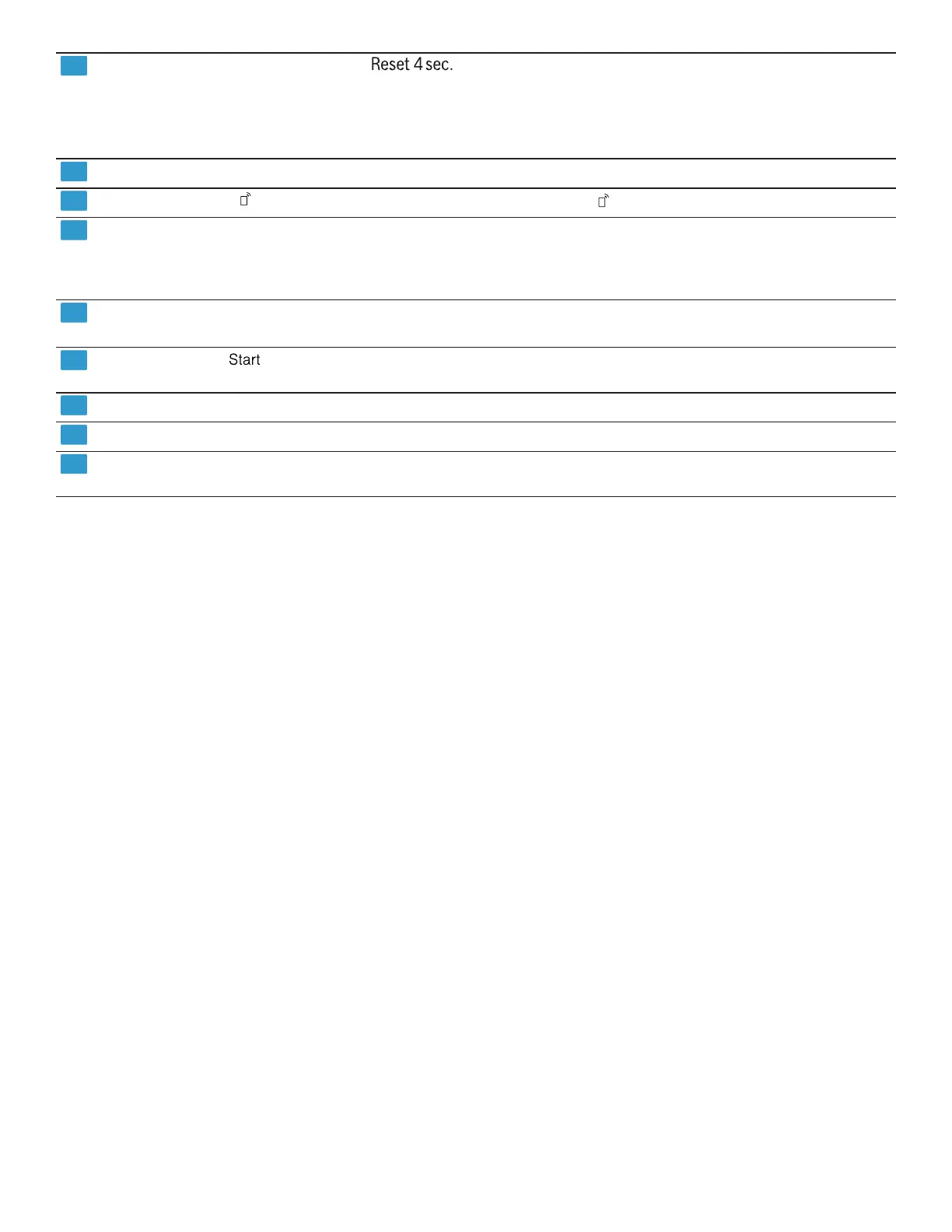
ON/OFF button and reset button
Switching on the appliance →
"Switching on the appliance",
Page19
Switching off the appliance →
"Switching off the appliance",
Page20
Terminating the cycle →
Page20
Cycle buttons
Cycles →
Page10
Remote Start
→
"Remote Start ", Page23
Display The display shows information about the remaining run
time or basic settings. You can change the basic settings
via the display and the setting buttons.
→
"Changing the basic settings", Page22
Cycle buttons and options
Cycles →
Page10
Options →
Page11
Start button Starting the wash cycle
→
"Starting the wash cycle", Page19
WLAN display
Home Connect →
Page22
Water supply display Display for water supply
Rinse aid refill indicator Rinse aid system
→
"Adding rinse aid", Page15



 To Next Page