en Getting to know your appliance
34
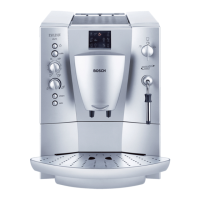
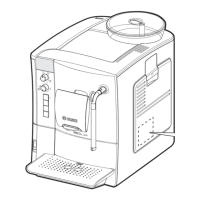
Controls
--------
--------
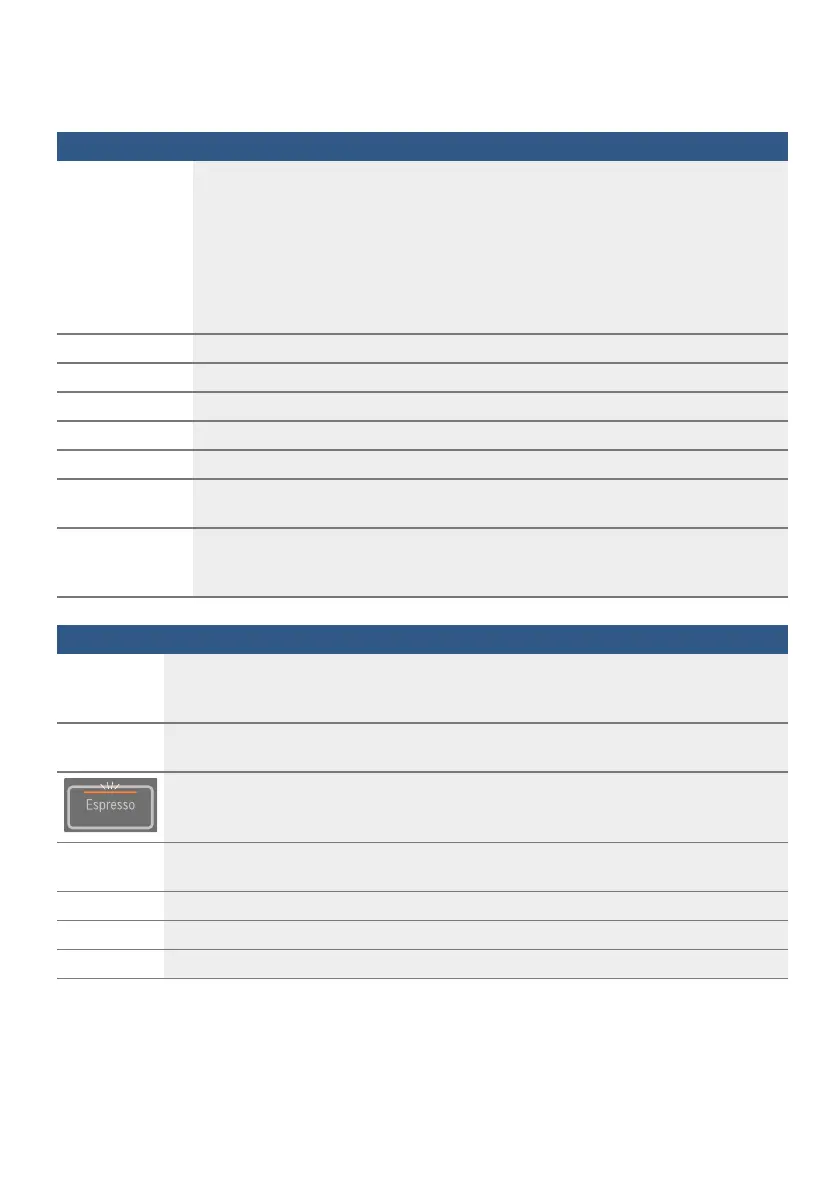
Button Meaning
k
Switch the appliance on and off
The appliance rinses automatically when it is switched on and off.
The appliance is not rinsed if:
■ it is still warm when switched on, or
■ coffee was not dispensed before the appliance was switched off.
The appliance is ready for use when the LEDs of the buttons for selecting drinks light
up in the control panel. The appliance has automatic switch-off. ~ "Selecting
automatic switch-off" on page 41
Espresso
Dispensing Espresso
Caffe Crema
Dispensing Caffe Crema
Cappuccino
Dispensing cappuccino
Latte Macchiato
Dispensing latte macchiato
Milk
Frothing up milk
%
Coffee strength
Adjusting the coffee strength ~ "Adjusting beverage settings" on page 39
Calc’nClean
Start the service programme
Flashes when the service programme needs to be performed.~ "Calc’nClean
service programme" on page 46
Symbol
'
Lights up when the water tank needs to be topped up with water or the water tank is not
inserted.
Flashes when the water filter needs to be replaced.
(
Lights up when trays need to be emptied.
Flashes when door of brewing chamber is open.
is continu-
ously lit
Ready to use, selection possible
is pulsing
Dispensing underway
is flashing
Waiting for operation, e.g. with Calc’nClean
off
Not available



 To Next Page