en Appliance settings
32
Call up and change the appliance
settings as follows:
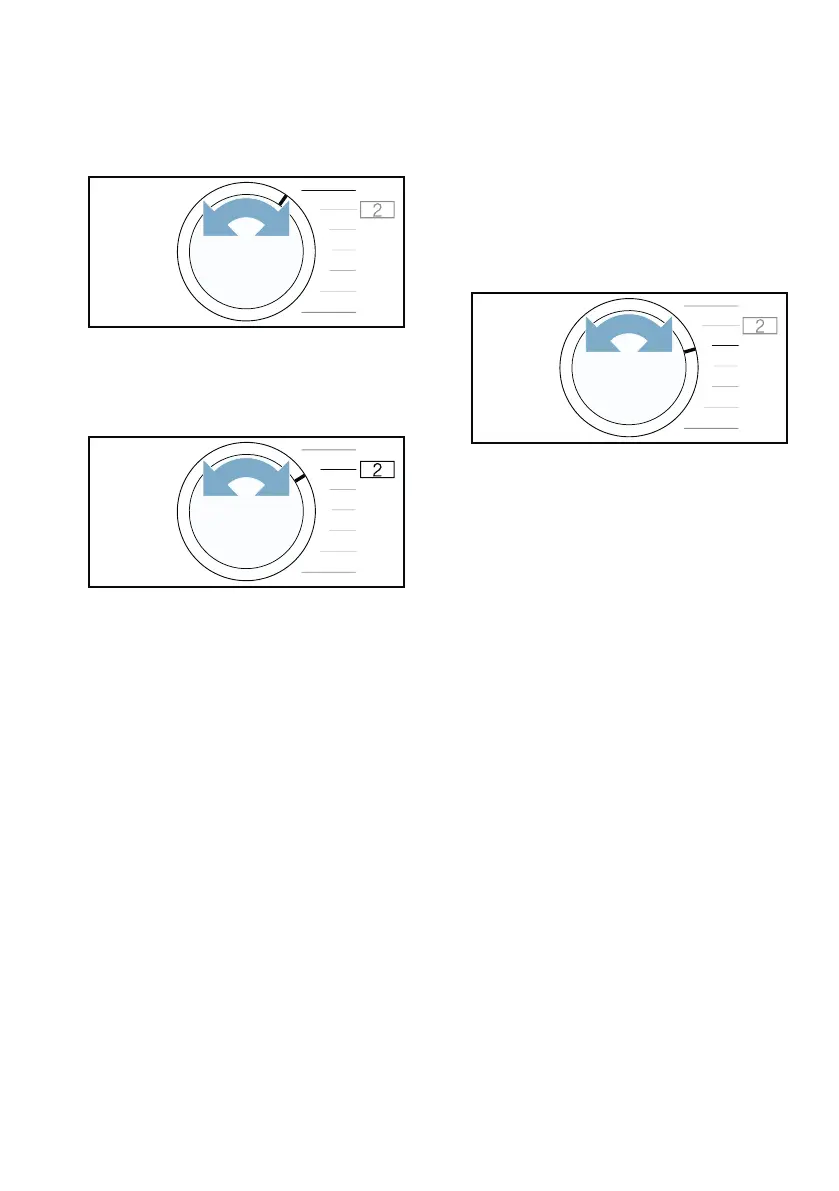
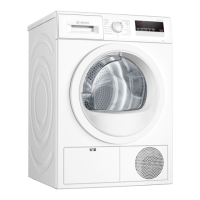
1. Set the programme to position 1.
2. Press and hold Start/Reload . At the
same time:
3. Set the programme to position 2.
4. Release Start/Reload .
You can now alter the appliance
settings.
Adjusting the volume of the audible
notification signals
You can adjust the volume of the
notification signal emitted at the end of
the programme.
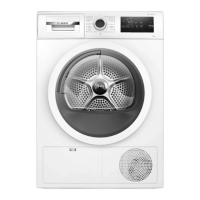
Adjust the appliance setting as
follows:
1. Set the programme to position 3.
The current setting will appear on the
display.
2. Press Program Duration or Finish
in until the required setting appears
on the display.
Settings:
3. Alter any additional appliance
settings you require or save and exit
the appliance settings.
0 Off
1 Low
2 Medium
3 High
4 Very high


 To Next Page