en Appliance settings
36
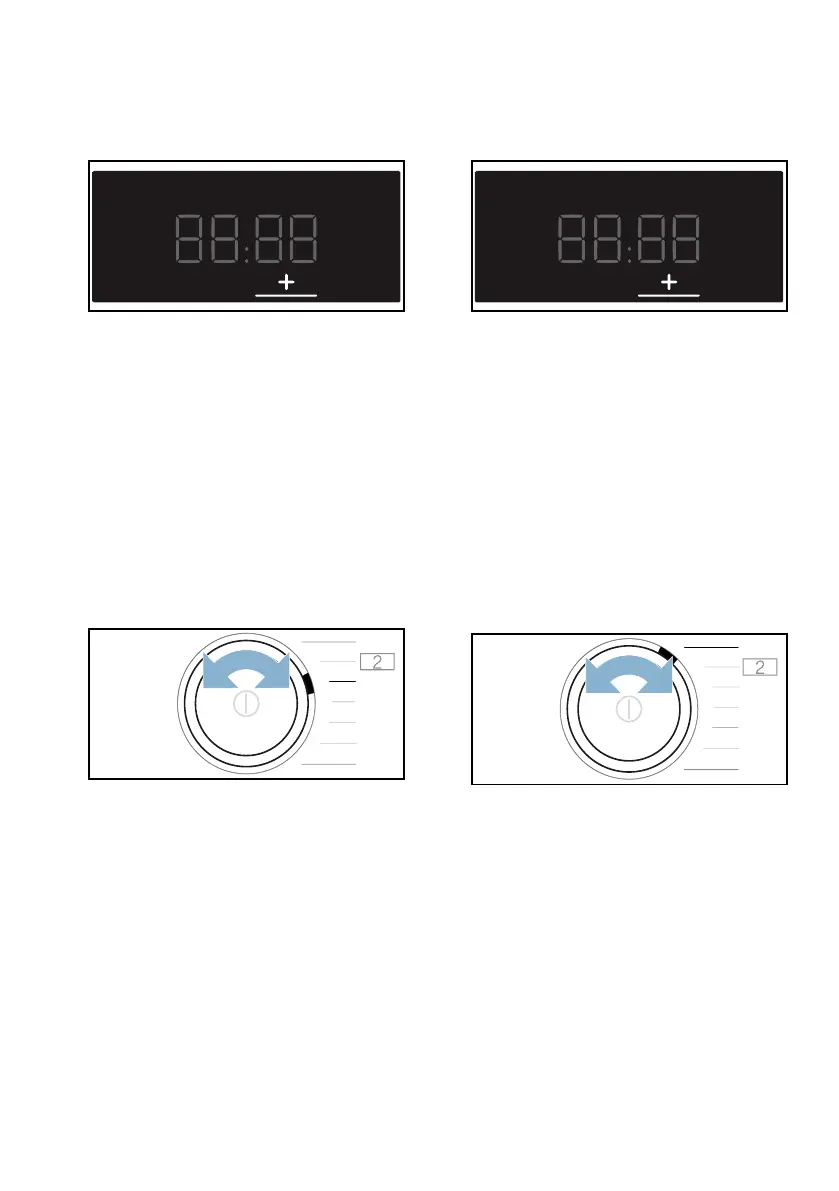
2. Press and hold ˜ until the setting
value you require appears on the
display.
Setting values:
3. Alter any additional appliance
settings you require or save and exit
the appliance settings.
Adjusting the display brightness
1. Set the programme to position 3.
’ and the current setting value will
appear on the display.
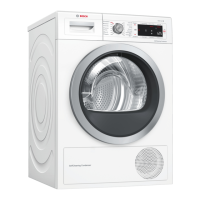
2. Press and hold ˜ until the setting
value you require appears on the
display.
Setting values:
3. Alter any additional appliance
settings you require or save and exit
the appliance settings.
Adjusting the volume of the audible
notification signals
1. Set the programme to position 1.
‘ and the current setting value will
appear on the display.
0 Off
1 Low
2 Medium
3 High
4 Very high
1 Low
2 Medium
3 High
4 Very high


 To Next Page