Appliance settings en
35
2 Appliance settings
Appliance settings
You can activate/deactivate appliance
settings directly or alter them under œ.
Childproof lock
Activating the childproof lock prevents
the settings from being accidentally
changed on the control panel.
Activating/deactivating the childproof
lock:
■ Press and hold E 3sec (Child lock)
for 3 seconds.
Note: The childproof lock will remain
active, even once the appliance has
been switched off. If you wish to change
settings on the control panel when you
turn on the appliance, you will need to
deactivate the childproof lock.
Quiet drying
If you activate Á (Quiet drying), the
appliance will operate without any
audible operating or notification signals.
Activating/deactivating "Quiet drying":
■ Press Á (Quiet drying).
The appliance's audible operating and
notification signals are now activated/
deactivated.
Altering the appliance settings
You can change the following appliance
settings under œ:
■ Volume of the audible operating
signals
■ Display brightness
■ Volume of the audible notification
signals (e.g. at the end of a
programme)
Call up œ as follows:
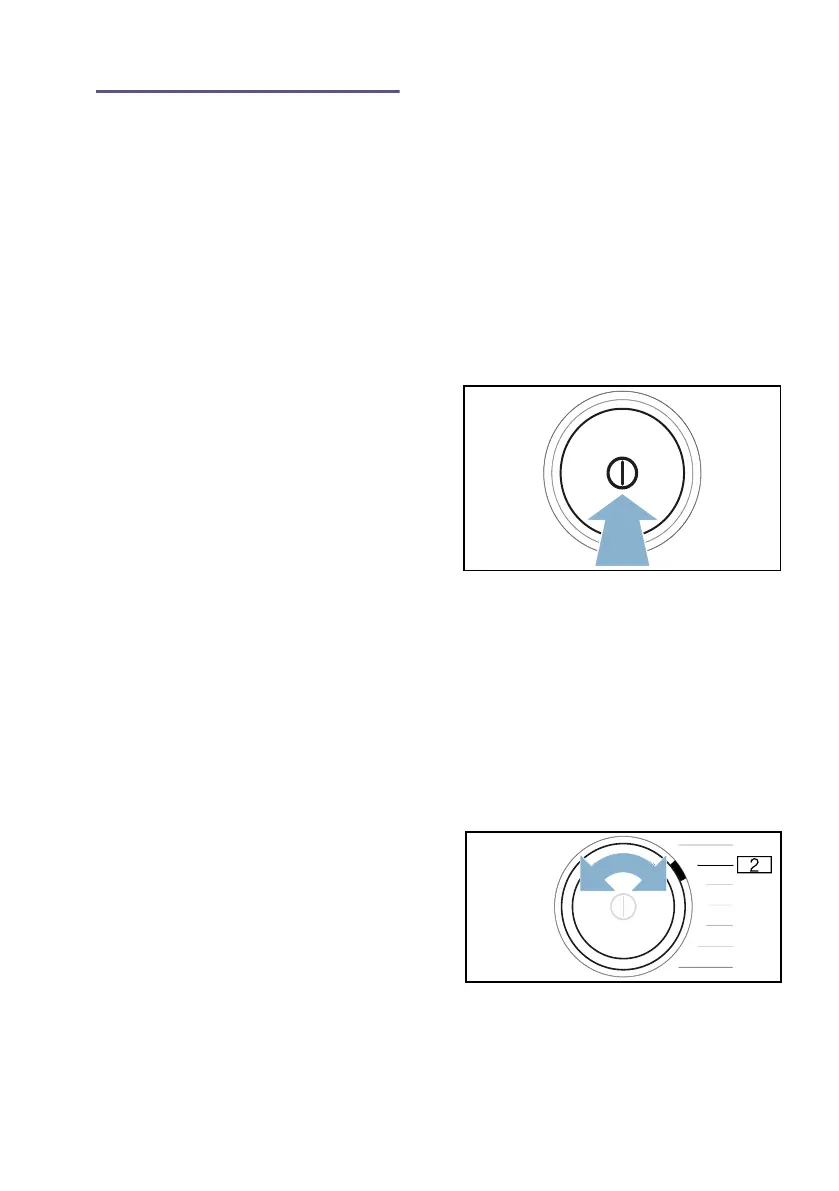
1. Press # to switch on the appliance.
2. Press and hold Á (Quiet drying) for
3 seconds.
œ will be shown on the display.
You can now alter the appliance
settings.
Adjusting the volume of the audible
operating signals
1. Set the programme to position 2.
› and the current setting value will
appear on the display.


 To Next Page