EasyManua.ls Logo

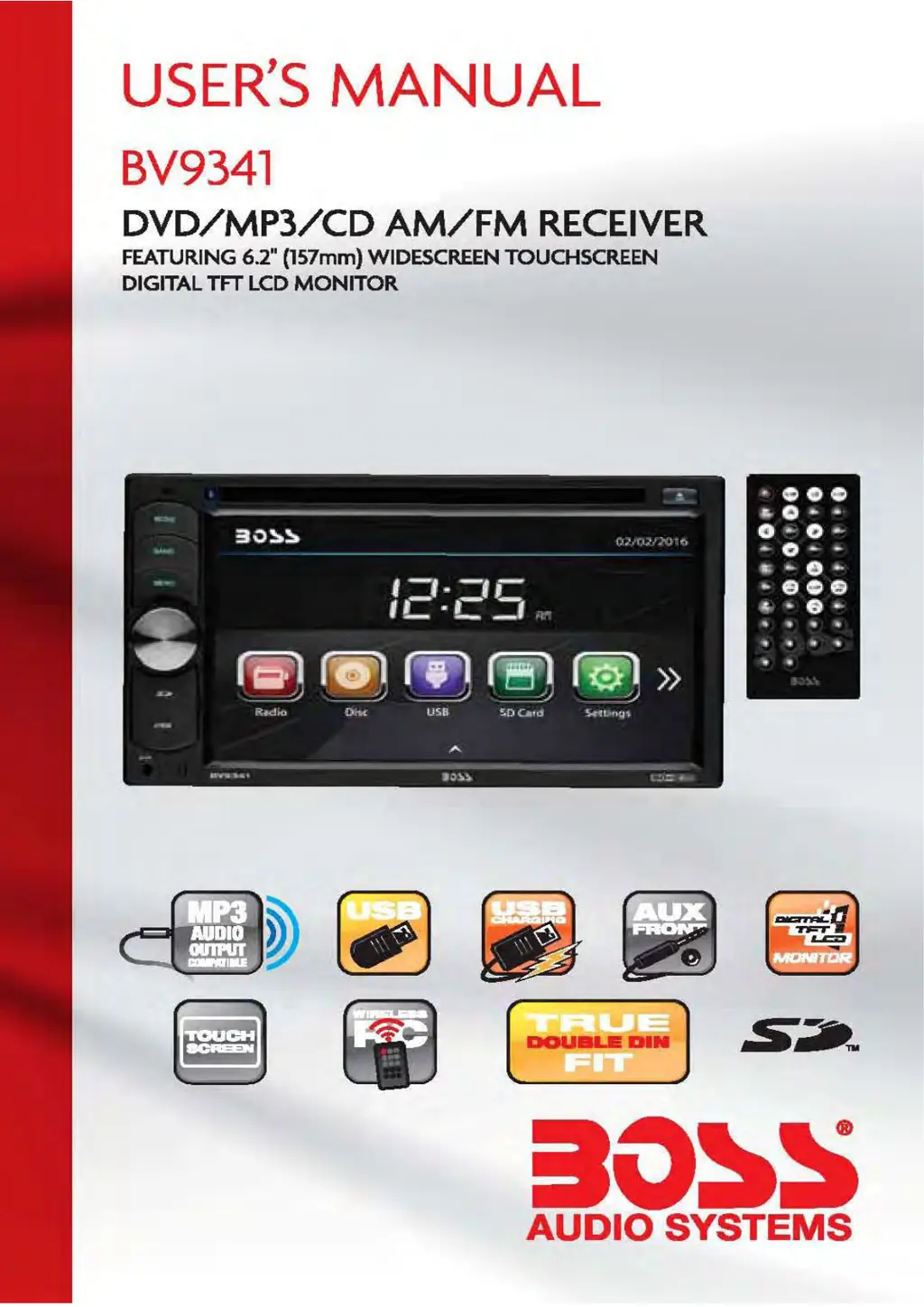
Boss Audio Systems BV9341 - User Manual

Boss Audio Systems BV9341
21 pages
Print Icon
To Next Page IconTo Next Page
Loading...

Questions and Answers

  • B
    Brandon ThompsonAug 6, 2025
    Why is there no sound coming from my Boss Audio Systems Car multimedia system?
    • A
      Aaron LongAug 6, 2025
      If there is no sound, it may be due to improperly connected wiring. Check the wiring connections to ensure they are secure. Alternatively, the volume might be set to the minimum level. Adjust the volume to a desired level.
  • C
    Carrie RodriguezAug 10, 2025
    Why is the radio not working on my Boss Audio Systems BV9341?
    • M
      mdiazAug 10, 2025
      If the radio isn't working, the antenna cable may not be properly connected, or the signals might be too weak. Ensure the antenna cable is firmly inserted. If the automatic selection isn't working, manually select a station.
  • H
    hayesmichaelAug 14, 2025
    Why does the sound skip on my Boss Audio Systems BV9341?
    • J
      Jacob FlowersAug 14, 2025
      If the sound is skipping, the installation angle might be more than 30 degrees. Adjust the installation angle to less than 30 degrees.
  • D
    Donna MejiaAug 19, 2025
    What to do if my Boss Audio Systems BV9341 Car multimedia system has no power?
    • C
      Cody MckayAug 19, 2025
      If your unit has no power, the fuse may have blown. Replace the fuse to restore power.
  • R
    Ryan PottsAug 23, 2025
    What to do if my Boss Audio Systems BV9341 Car multimedia system disc cannot be read?
    • C
      collinsangelaAug 23, 2025
      If the disc cannot be read, the compact disc may be extremely dirty or defective. Clean the disc or try playing a new one.
  • S
    Shelby SotoAug 27, 2025
    What to do if my Boss Audio Systems BV9341 disc cannot be loaded?
    • B
      Billy TuckerAug 27, 2025
      If a disc cannot be loaded, there may already be a disc inside the player. Remove the disc and insert a new one with the label facing upward. Also, ensure you are not inserting the disc upside down. The compact disc should be inserted with the label facing upward.
  • C
    Christopher NguyenSep 1, 2025
    How to reset the microcomputer on my Boss Audio Systems Car multimedia system?
    • J
      Jeffrey FosterSep 1, 2025
      To reset the unit, press the power button for about 10 seconds.

Summary

Unit Installation

Wire Connection

Input;Output Interface Details

Explains the pin configurations and functions of Connector A and Connector B.

Parking Brake Connection

Speaker Connection

Speaker Wiring Diagrams

Illustrates correct polarity and connection methods for speakers, showing correct and incorrect examples.

Button Description

Front Panel Controls and Ports

Details the function of the IR sensor, reset button, mode, band, menu, power, USB, SD, and AUX-IN ports.

Remote Control

Remote Control Buttons Overview

Lists and briefly describes all numbered buttons on the remote control unit for various functions.

Remote Control Usage and Notes

Provides detailed explanations of remote control button functions and important usage notes.

Radio Operation

DVD Operation

USB;SD Operation

Settings Operation

Aux in Mode

Troubleshooting Guide

General Troubleshooting Steps

Offers solutions for common issues like no power, no sound, unresponsive buttons, and inaccurate display.

Media Playback and Radio Issues

Addresses specific problems with disc loading, playback errors, sound skips, and radio reception.

Boss Audio Systems BV9341 Specifications

General IconGeneral
Display Size6.2 inches
Resolution800 x 480 pixels
TouchscreenYes
BluetoothYes
USB PortYes
SD Card SlotYes
DVD PlayerYes
AM/FM TunerYes
Steering Wheel Control CompatibleYes
Rear Camera InputYes
AUX InputYes
GPS NavigationNo
Pre-Amp OutputsFront, Rear, Subwoofer
Compatible FormatsMP3, WMA, MPEG4