EasyManua.ls Logo

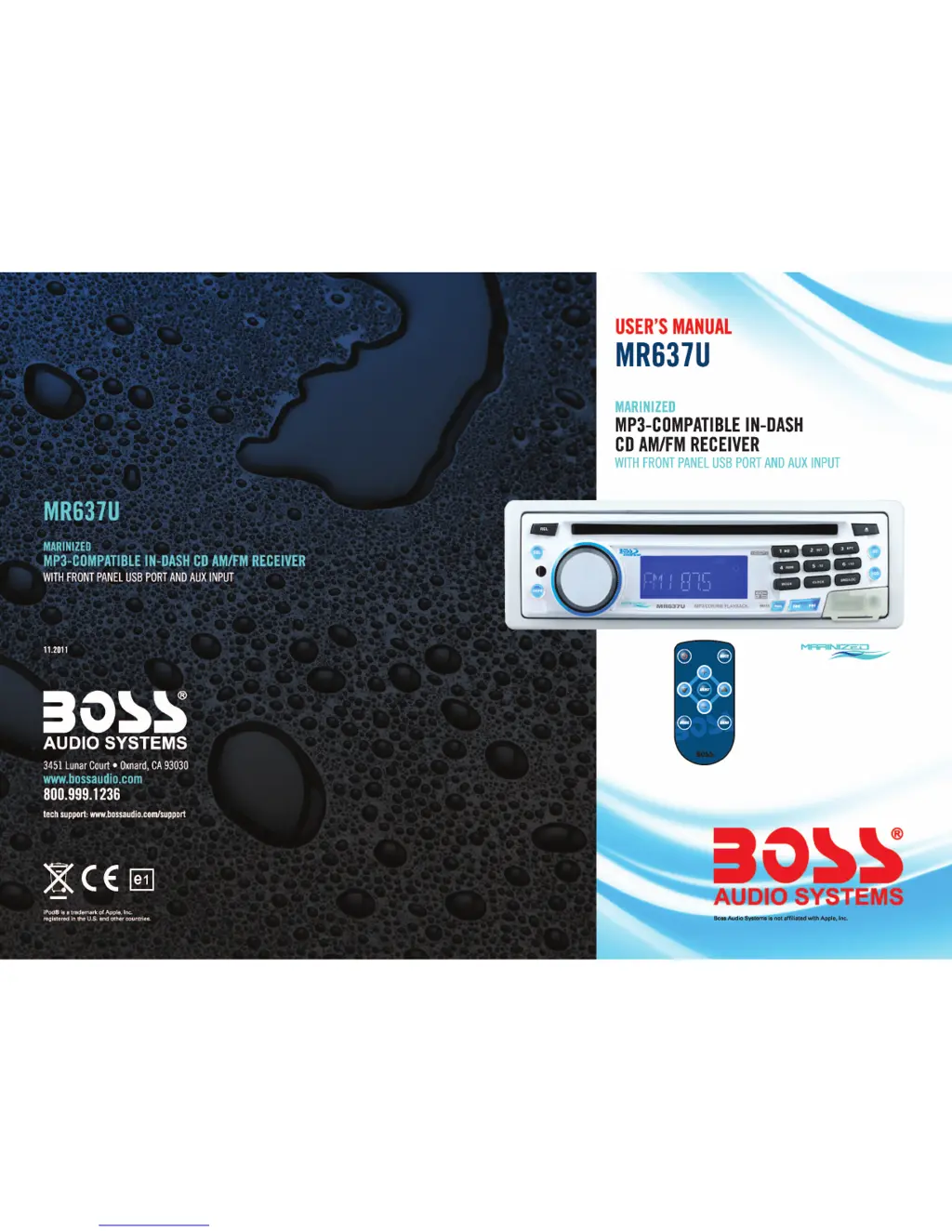
Boss Audio Systems MR637U - User Manual

Boss Audio Systems MR637U
7 pages
Print Icon
To Next Page IconTo Next Page
Loading...

Other manuals for Boss Audio Systems MR637U

Questions and Answers

  • A
    Allison FloresAug 13, 2025
    Why is there no sound from my Boss Audio Systems Marine Equipment?
    • J
      Joel LiAug 14, 2025
      If there's no sound coming from your Boss Audio Systems Marine Equipment, first, check if the volume is turned up. If not, increase the volume. Also, verify that the device is correctly connected by checking the power and ground connections according to the wiring diagram.
  • C
    Carlos HooperAug 17, 2025
    How to fix no power on Boss Audio Systems Marine Equipment?
    • R
      Robert MooreAug 17, 2025
      If your Boss Audio Systems Marine Equipment has no power, ensure the car ignition is switched to "ON" or "ACC" if the power supply is properly connected to the car accessory. If that doesn't work, check the fuse and replace it according to the wiring diagram if it has blown.
  • T
    tamiharrisAug 21, 2025
    What to do if the operation keys do not work on Boss Audio Systems Marine Equipment?
    • A
      Anna JonesAug 21, 2025
      If the operation keys on your Boss Audio Systems Marine Equipment aren't working, try switching the device off and on again. Alternatively, press the RESET button to resume the program. Also, ensure the front panel is properly fixed into its place; if not, reinstall it.
  • B
    bferrellAug 25, 2025
    How to improve radio reception on Boss Audio Systems Marine Equipment?
    • S
      Stacey BrownAug 26, 2025
      To improve radio reception on your Boss Audio Systems Marine Equipment, make sure the antenna cable is firmly inserted into the antenna socket of the device.
  • R
    Richard EnglishAug 28, 2025
    Why does the CD player skip in my Boss Audio Systems Marine Equipment?
    • P
      Priscilla CamposAug 29, 2025
      If the sound of the CD player in your Boss Audio Systems Marine Equipment skips, adjust the installation angle to less than 30 degrees. If the road is uneven, wait until it becomes smoother before playing the CD. Also, clean the CD or try another CD to ensure the first CD is not damaged or extremely dirty.
  • C
    Christine GoodwinSep 1, 2025
    What to do if CDs are loaded only halfway into the CD tray of Boss Audio Systems Marine Equipment?
    • S
      simpsonkaylaSep 1, 2025
      If CDs are loaded only halfway into the CD tray of your Boss Audio Systems Marine Equipment, remove the transport screws before using. Also, ensure you're inserting the compact disc with the label facing upward.
  • A
    Angelica AlvarezSep 4, 2025
    Why doesn't my Boss Audio Systems Marine Equipment work correctly (EJECT, LOAD, PLAY)?
    • C
      Cindy PhillipsSep 5, 2025
      If your Boss Audio Systems Marine Equipment isn't working correctly (EJECT, LOAD, PLAY), clean the CD or try another CD. If the second CD works correctly, the first CD is damaged. If the temperature inside the car is too high, cool off until the ambient temperature returns to normal.
  • R
    Rebecca GutierrezSep 9, 2025
    Why doesn't the radio stop at a station in automatic search mode on my Boss Audio Systems Marine Equipment?
    • A
      Angela WattsSep 9, 2025
      If, in automatic search mode, the radio in your Boss Audio Systems Marine Equipment does not stop at a transmitting station, try tuning in to a radio station manually, as the transmission signals may be too weak.

Summary

Product Information and Specifications

MR637 U Overview

Key features of the MARINIZED MP3-COMPATIBLE IN-DASH CD AM/FM RECEIVER.

Preface and Safety Guidelines

Manual introduction, safe listening advice, and environmental precautions.

Technical Specifications

Performance data for General, FM, AM, RCA, and CD Player sections.

Wiring, Installation, and Troubleshooting

Wiring Connections Diagram

Guide for speaker, power, and antenna connections via Connectors A and B.

Troubleshooting Common Issues

Solutions for power, CD, sound, reception, and skipping problems.

Installation Method

Step-by-step guide for installing the unit with the anti-theft mounting sleeve.

Unit Controls and Operation

Control Panel Layout

Identifies physical buttons and knobs on the head unit.

Key Button Operations

Explains functions of SEL/MENU, VOL, CLK, MUTE, and playback control buttons.

Tuning, Track Management, and Presets

Guide to radio tuning, track skipping, INT/RPT/RDM, and preset station management.

Advanced Features, CD Care, and Modes

CD Player Disc Handling and Care

Guidelines for playing CDs, disc handling, cleaning, and avoiding damage.

Radio Band and Mode Selection

How to switch bands, select tuning modes, and change playback modes.

Enhancement Features: Loudness & AS;PS

Explanation of LOUDNESS for bass boost and AS/PS auto-storage/preset scan.

Remote Control Operations and Maintenance

Remote Control Battery and Warnings

Information on replacing the remote battery and important usage warnings.

Remote Control Button Functions

Detailed explanation of each button on the remote for unit operation.

Advanced Remote Functions

Procedures for releasing the front panel, unit reset, and IR sensor.

Boss Audio Systems MR637U Specifications

General IconGeneral
TypeMarine Receiver
Channels4
Impedance4 Ohms
BluetoothYes
USB PortYes
Aux InputYes
Radio TunerAM/FM
WeatherproofYes
Marine RatingIPX6
Remote ControlYes

Related product manuals