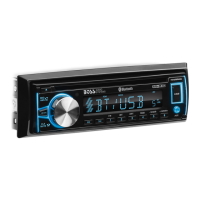
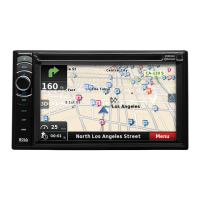
Controls & Funcons
A new and innovave method to control your 752UAB, is from the Boss Audio Radio Stream APP.
It enables you to control your music library and all the sources right from your Android* device conveniently
and safely through the free app. *Minimum Required Android OS: 2.0
To download follow these easy steps...
1.Go to the Google Play
2. Search for “Boss Audio Systems” & Install
Bluetooth Wireless APP Control
Sources
The available source icons will be highlighted.
If the source is unavailable (i.e. CD is not inserted), the icon will be appear dark
Volume
Volume control be accomplished through the “+” and “-” icons on the screen.
The red bar can also be used for volume, it can be moved with your finger le or right, to lower or raise the volume respecvely.
The volume funcon will always be present in all menus, in the same locaon globally.
Sengs
The Menu buon can be used to access the EQ, Play, RDS and Tuner funcons
Sengs
Volume
Sources


 To Next Page