Need help?
Do you have a question about the Boston TVee 26 and is the answer not in the manual?
Verify all items are present after opening the package and perform an initial inspection of the contents.
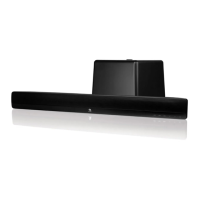
Position the soundbar correctly in front of the TV and then turn on your television set.
Connect the soundbar to the TV using the 'Optical Digital Audio Out' port on your television.
Connect the soundbar to a suitable power outlet to supply it with electricity.
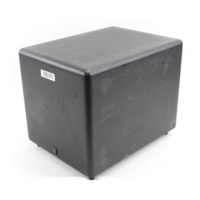
Plug in the wireless subwoofer and press its power switch to initiate pairing.
Turn off the built-in speakers of your television to prevent audio interference or duplication.
Choose the correct input source (e.g., Optical Digital In) on the soundbar and adjust volume.
The supplied remote control is designed exclusively for operating the soundbar's functions.
Put the soundbar into learning mode by pressing specific buttons simultaneously for three seconds.
Teach the soundbar to recognize the MUTE command from your TV's remote control.
Repeat the learning process for other commands such as volume up/down or input selection.
Map unused TV remote buttons to control soundbar functions like INPUT or mode selection.
 General
| Type | Soundbar |
|---|---|
| Manufacturer | Boston Acoustics |
| Model | TVee 26 |
| Speaker Channels | 2.0 |
| Connectivity | Optical, Bluetooth |

 To Next Page