B. For all IOS mobile phones and some Android mobile phones,
after watch connects to the app correctly, go to phone
BT settings, search and select Watch S_Ph in Bluetooth list.
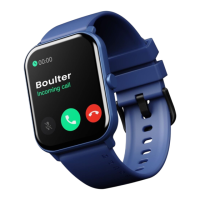
BT call feature will be activated.
(1). Please upgrade the app to latest version to get a better
experience.
(2). Andorid 5.0 and ios 9.0 or above system are compatible
with the App.
(3). For the first time connection with iphone, “Pair” reminder
will pop-up, click to pair, then incoming calls and instant
messages will be pushed.
(4). For the first time connection with android, “Permissions”
reminder will pop-up, please follow up the guidance and
allow permissions to ensure all functions working properly.
(5). To connect successfully, please turn on mobile phone’s
bluetooth, GPS and network.
(6). If the device cannot be searched or connected during
use, please reset or restart the watch.
Tips
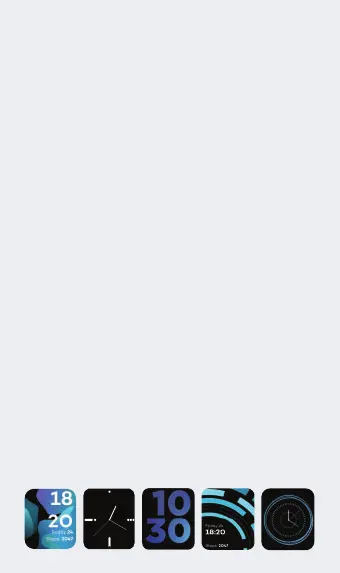
1. Watch Dial Page: Long press the screen to enter the dial
selection page, swipe left/right to switch the dial, after
confirming the dial, click. (Note: the system preset 5 dial
pages, the last dial is "custom", this dial will change with the
APP side dial market and the download Settings of the
custom dial)
Operating Instructions


 To Next Page