Function introduction
2. Menu Page: Slide up from the main page, change the menu
styles by double clicking on the side button or change on
Settings page.
Recent Features Page: Slide right from the main page to enter
into split-screen. Press the side button or slide left to return.
Normal operation: Press the side button to return back to
previous page. On main page, press the side button to turn
on/off the screen.
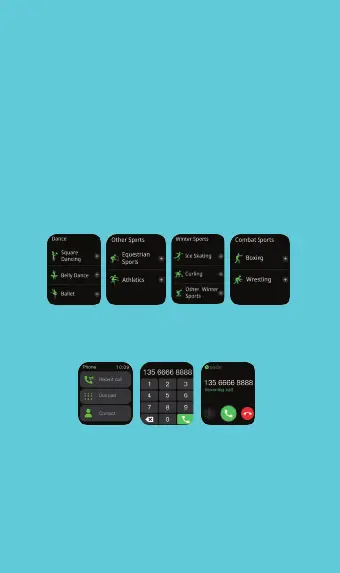
Sports: Sports mode options: brisk walking, running, cycling,
mountaineering, swimming, yoga, basketball, etc. Click the
icon to start exercise.
Phone: Keep a record of your phone calls, add contacts
synchronously, use the watch to make calls, and do much
more with the watch.
Sleep: Shows the sleep monitoring status of the day, the data
is updated every day, and the specific data can be synchronized
to the APP to view.
Heart rate monitoring: Click on heart rate page to measure
heart rate. More App monitor operation and test data can be
viewed in the App.
Weather: Displays the current weather status as well as the
forecast for the next 3 days. Make sure Bluetooth is connected
correctly.


 To Next Page