In the device interface, select the Bluetooth name “Boult
Watch SE” for connecting, and the watch can be used
normally.
1. For a first-time connection with Android, “Permissions”
reminder will pop-up. Please follow the guidance and allow
permissions to ensure all functions work properly.
2. Mobile phone system of Android 5.0 or iOS 9.0 or above is
recommended.
3. Please upgrade the app to the latest version to get a
better experience.
4. For a first-time connection with an iPhone, “Pair”
reminder will pop-up. Click on Pair, for incoming calls and
instant messages to be pushed.
5. To connect successfully, please turn on the mobile
phone‘s Bluetooth, GPS and mobile network.
6. If the device cannot be searched or connected during
use, please reset or turn off the watch and try again.
Tips
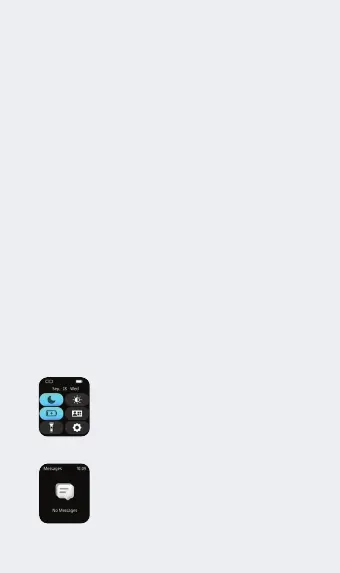
1. Quick settings: Slide down from main
page to go to quick settings.
2. Notification: slide up from the watch
face main page to see the notifications.
Operating Instructions
In the device interface, select the Bluetooth name “Boult
Watch SJ” for connecting, and the watch can be used
normally.
Quick settings: Slide down from
main page to go to quick settings.
Notification: slide up from the
watch face main page to see the
notifications.



 To Next Page