Function introduction
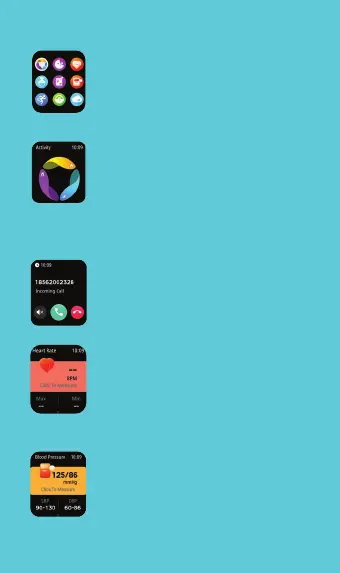
Go to menu: Slide left to right from
the watch face main page to enter the menu list.
Activities Tracker: Slide from right to left
to see the activities tracker
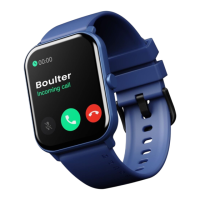
Phone Calling: Keep a record of your
phone calls, add contacts synchronously,
and use the watch to make calls. More
details can be viewed in the App.
Heart rate monitoring: Click on the heart
rate page to measure your heart rate.
More App monitor operations and test
data can be viewed in the App.
Blood Pressure: Measure the current blood
pressure. More detailed information
analysis and data records can be viewed
In the App. The values are for reference
only and cannot be used for medical
purposes.



 To Next Page