The unit will stay on for a period of
ve minutes after which it will go
into standby mode. Use the lower
temperatures for tasty and avorful
hits or boost up the temperature for
more dense and bigger clouds.
Adjusting the
Temperature
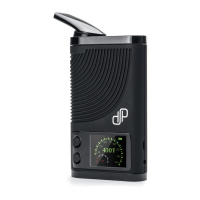
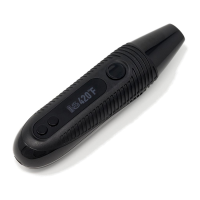
Using the temperature controls is
easy to use on the CFC 2.0. Each
click will raise the temperature by
one degree. To change the tempera-
ture use the buttons located at the
opposite back end of the device.
9


 To Next Page