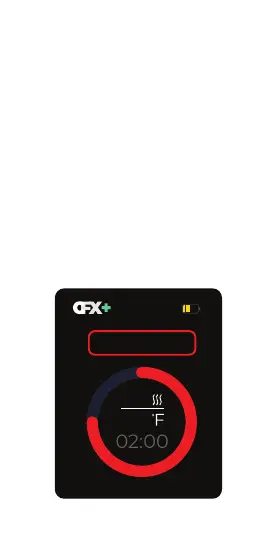
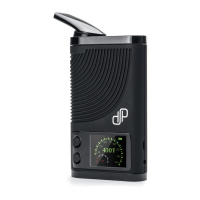
Controls
Use up and down to cycle through the menu.
Click both buttons at the same time to select
or change a setting.
Main Menu Controls
Preset Mode
Preset Mode will start the session at one of
the 4 presets.
Highlight one of the presets on the menu and
select “Start” to begin the session at the
choosen preset.
*See Preset temperature table. The default
preset is set to P2 (370F).
290
370
Preset : 2
5


 To Next Page