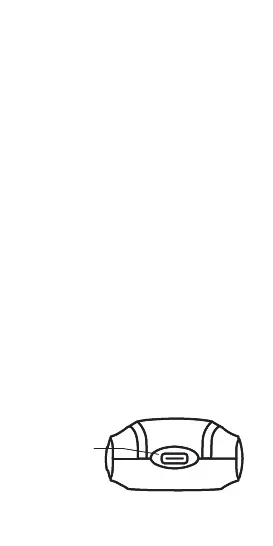
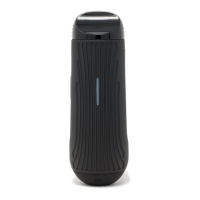
USB C
Charging Port
USB-C
Charging Port
Stealth Mode
Press and hold the temperature increase
and decrease buttons simultaneously for 3
seconds to hide the LEDs for a more discreet
experience.
To turn o, temperature increase and
decrease buttons simultaneously for
3 seconds or restart the device (see page 8).
Getting Started
Sleep Mode
Press and hold the power button for 3
seconds to enter sleep mode and pause
your session. To exit sleep mode press and
hold the power button for 3 seconds.
Charging
Insert included USB-C to USB-A Cable
into the USB-C Charging Port. Only use a
standard 5v USB power outlet or brick.
Charging
3


 To Next Page