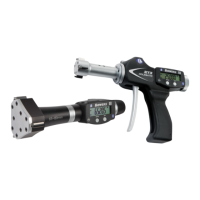
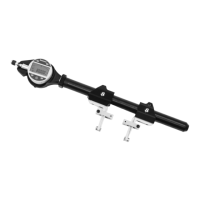
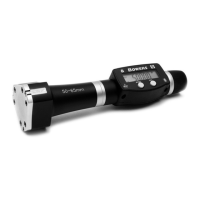
XT3 - Digital (Bluetooth®) and Holematic (Bluetooth®) Digital Bore Gauge
18
INST-58-1 Iss 1 19
Bluetooth
®
Konfiguration
Verbindungsverfahren
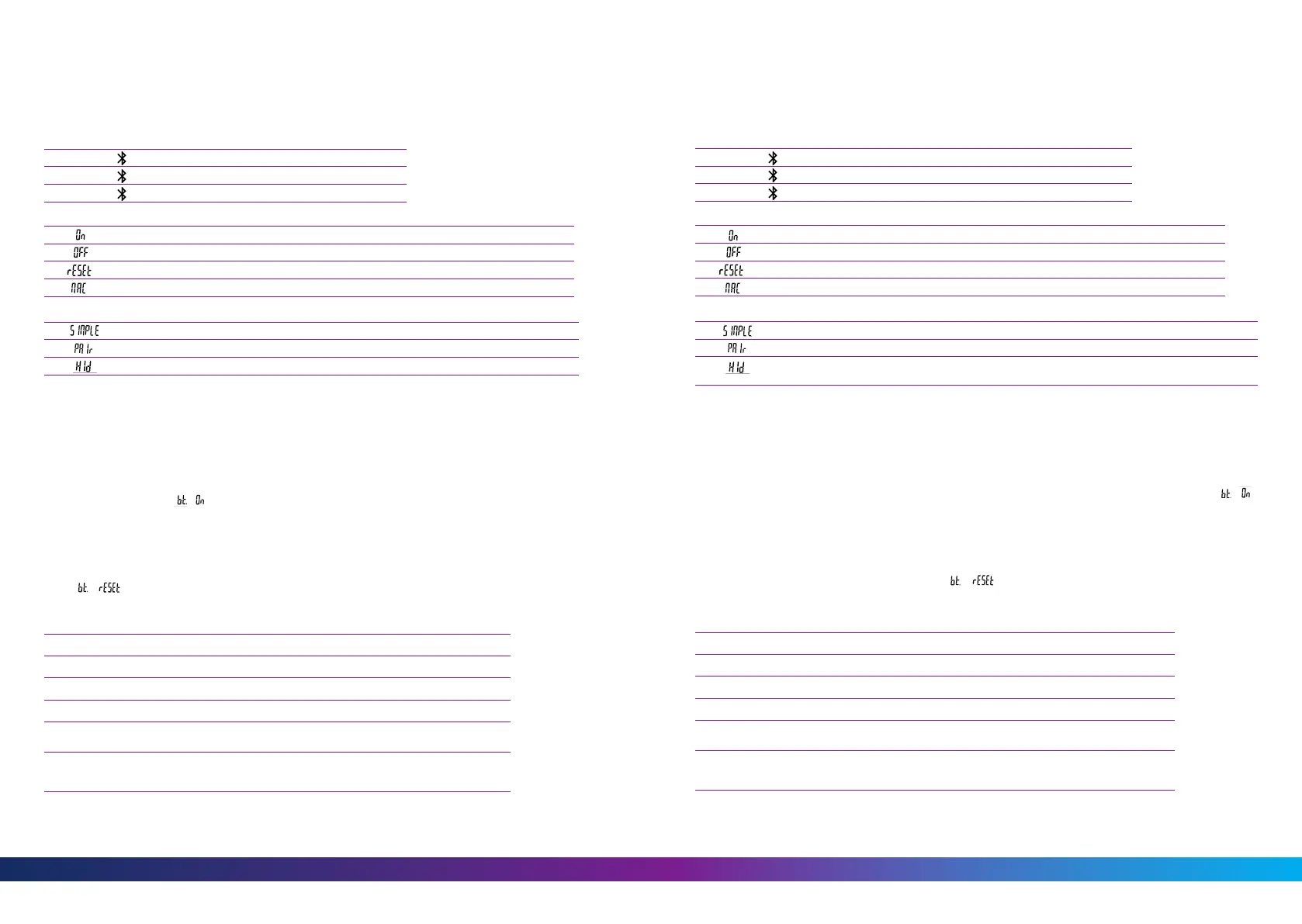
Zur Konfiguration des Bluetooth
®
-Moduls stehen die folgenden Optionen zur Verfügung
Aktivert das Bluetooth
®
-Modul (Instrument kann gefunden werden).
Deaktiviert das Bluetooth
®
-Modul (aktive Verbindung wird getrennt).
Hebt die Bluetooth
®
-Kopplung auf.
Zeigt die MAC (Media Access Control) - Adresse an.
Drei Bluetooth
®
- Profile stehen zur Auswahl
Profil ohne Kopplung.
Profil mit Kopplung und Verschlüsselung.
Virtuelle Tastatur (Kompatibel mit aktuellen Geräten ohne Installation eines Treibers).
Kein Symbol...........keine Verbindung
Blinkendes Symbol...........bereit zur Verbindung
Stehendes Symbol...........Verbindung hergestellt
Anmerkung:- Beim Wechsel des Profils wird die Bluetooth
®
-Kopplung aufgehoben.
Verbindungsaufbau
1. Stellen Sie sicher, dass die Bluetooth
®
Anwendung und das Gerät kompatibel und aktiv sind (PC,
Messeinheit).
2. Schalten Sie das Instrument ein. Die Bluetooth
®
- Funktion ist standardmässig aktiviert und das Instrument
kann verbunden werden (Verbindung wird gesucht).
3. Wurde keine Verbindung hergestellt während das Instrument sichtbar war, aktivieren Sie Bluetooth
®
erneut über das Menü / .
4. Das Gerät ist bereit zum Senden (Verbindung hergestellt).
Kopplung
Die Kopplung des Instruments mit dem Master erfolgt automatisch bei der ersten Verbindung.
Um das Instrument mit einem neuen Master zu verbinden (neue Kopplung), muss die Kopplung über das
Menü / gelöscht werden.
Technische Daten Der Bluetooth
®
- Funktion
Core Version Bluetooth
®
5
Frequenzband 2.4 GHz (2.402 - 2.480 GHz)
Max. Ausgangsleistung Klasse 3: 1mW (0dBm)
Classic-Bereich (défault) Lang reichweite
Reichweite
Im Freien
Industrieumgebung
bis 18m
1-6m
bis 35m
1.5-7m
Autonomie
Continuous
1
Saver
2
Blind/Push
3
bis 2 monaten
bis 5 monaten
bis 7 monaten
bis 1.5 monaten
bis 3.8 monaten
bis 5.3 monaten
1
Continuous: Immer verbunden mit 4 Werten / sek.
2
Saver: Das Gerät senet die Werte nur wenn die Position geändert hat.
3
Blind/Push: Der Wert wird von dem Gerät gesendet (Taste) oder vom Computer angefordert.
Configurazione Bluetooth
®
Procedura Di Collegamento
È possibile selezionare le seguenti opzioni per controllareil modulo Bluetooth
®
Ativarre il modulo Bluetooth
®
(avviare la modalità di ricerca).
Disabilita il modulo Bluetooth
®
(disattiva la connessione attiva).
Cancellare le informazioni di accoppiamento.
Visualizza l’indirizzo MAC (Media Access Control).
Sono disponibili tre profili Bluetooth
®
Profilo non accopiato (per impostazione predefinita).
Profilo accoppiato e sicuro.
Modalità tastiera virtuale (compatibili con apparecchiature più recenti senza l’installazione
del driver).
Simbolo spento ...................modalità scollegata
Simbolo lampeggiante .......modalità scoperta
Simbolo acceso ....................modalità collegata
Nota:- Le informazioni Bluetooth
®
vergono cancellate quando il profilo viene modificato.
Connessione
1. Assicurarsi che l’applicazione e il l’apparecchio Bluetooth
®
compatibili siano attivi (PC, unità di misura).
2. Avviare lo strumento. Come impostazione predefi nita il modulo Bluetooth
®
è attivo e lo strumento è
collegabile (modalità scoperta).
3. Da quando lo strumento è rilevato il collegamento è automatico. Se la connessione non è stata stabilita
mentre lo strumento è in modalità di rilevazione, riattivare il modulo Bluetooth
®
mediante il menu /
4. Lo strumento è pronto alla trasmissione (modalità collegata).
Accoppiamento
L’accoppiamento dello strumento con la periferica avviene automaticamente all’avvio.
Per collegare uno strumento a una nuova periferica (nuovo accoppiamento) è necessario cancellare le
informazioni di accoppiamento mediante il menu / .
Specifiche Bluetooth
®
Versionne principale Bluetooth
®
5
Banda di frequenza 2.4 GHz (2.402 - 2.480 GHz)
Potenza massima in uscita Classe 3: 1mW (0dBm)
Gramma classica (predefinata) Lungo raggio
Portata
Spazio aperto
Ambiente industriala
fino a 18m
1-6m
fino a 35m
1.5-7m
Autonomia
Continuous
1
Saver
2
Blind/Push
3
fino a 2 mesi
fino a 5 mesi
fino a 7 mesi
fino a 1.5 mesi
fino a 3.8 mesi
fino a 5.3 mesi
1
Continuous: Sempre connessi con i 4 valori / sec.
2
Saver: Lo strumento invia valore solo quando la posizione è cambiata.
3
Blind/Push: Valore viene inviato dal (pulsante strumento) o richiesto dal computer.


 To Next Page
 Loading...