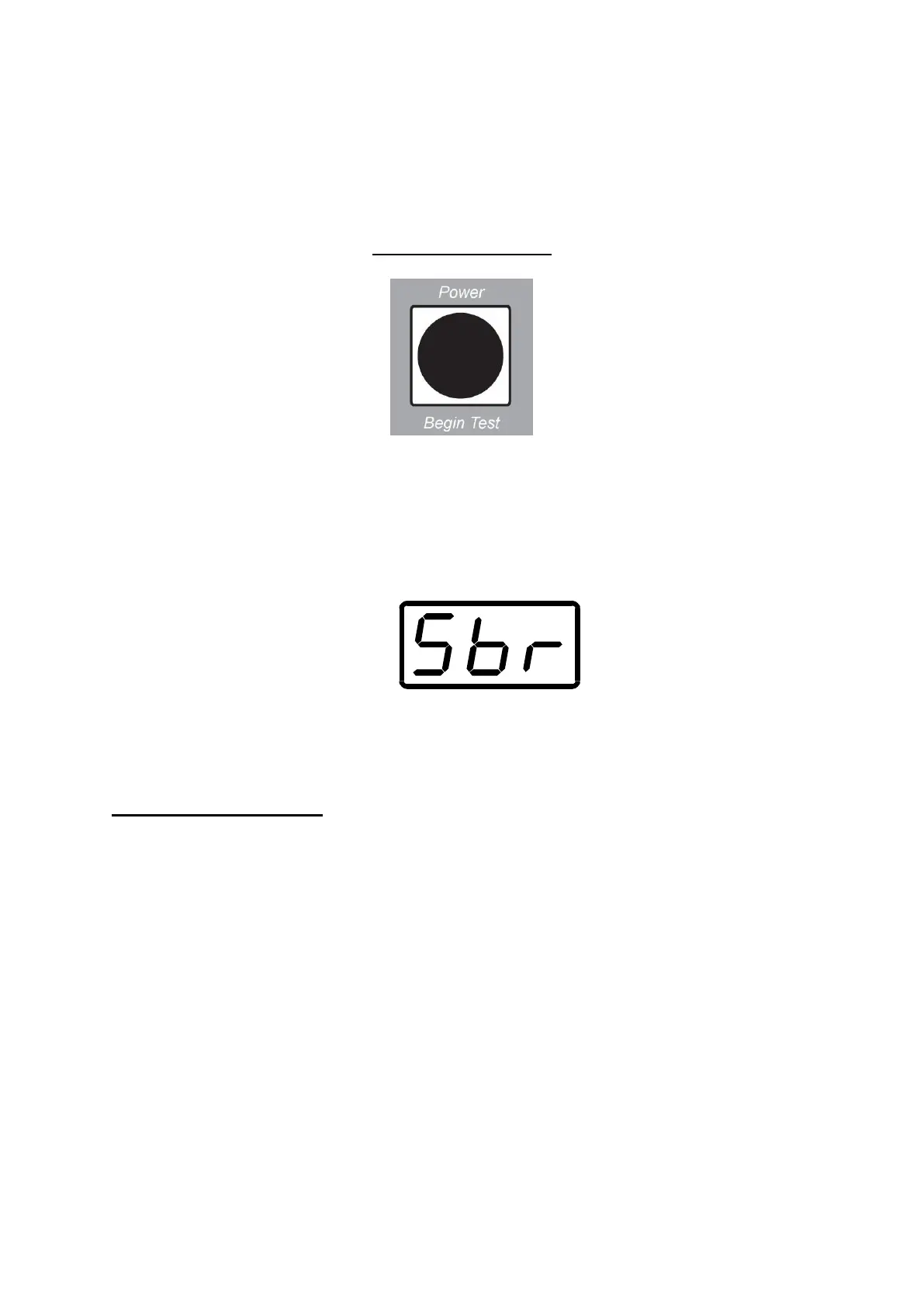
Function Key
Hold the key down for 2 to 3 seconds to turn the Tapley EBM ON
When the Tapley EBM is turned ON, the Brake Test display will show:
The Unit is ready to begin the Service Brake Test routine.
Performing a Test
Setting the unit up for a Test
Choose a safe test area that is as level as possible.
The test area should be straight, flat and long enough to attain the
recommended test speed and then to stop the vehicle quickly and
safely. Avoid loose and wet surfaces. Avoid areas where there are other
vehicles or people.
Place the Tapley EBM in the vehicle with the arrow pointing in the direction of
travel.


 To Next Page