© Audio Trade GmbH · Pro-Ject Phono Box S · Revision 2012.1.1
3
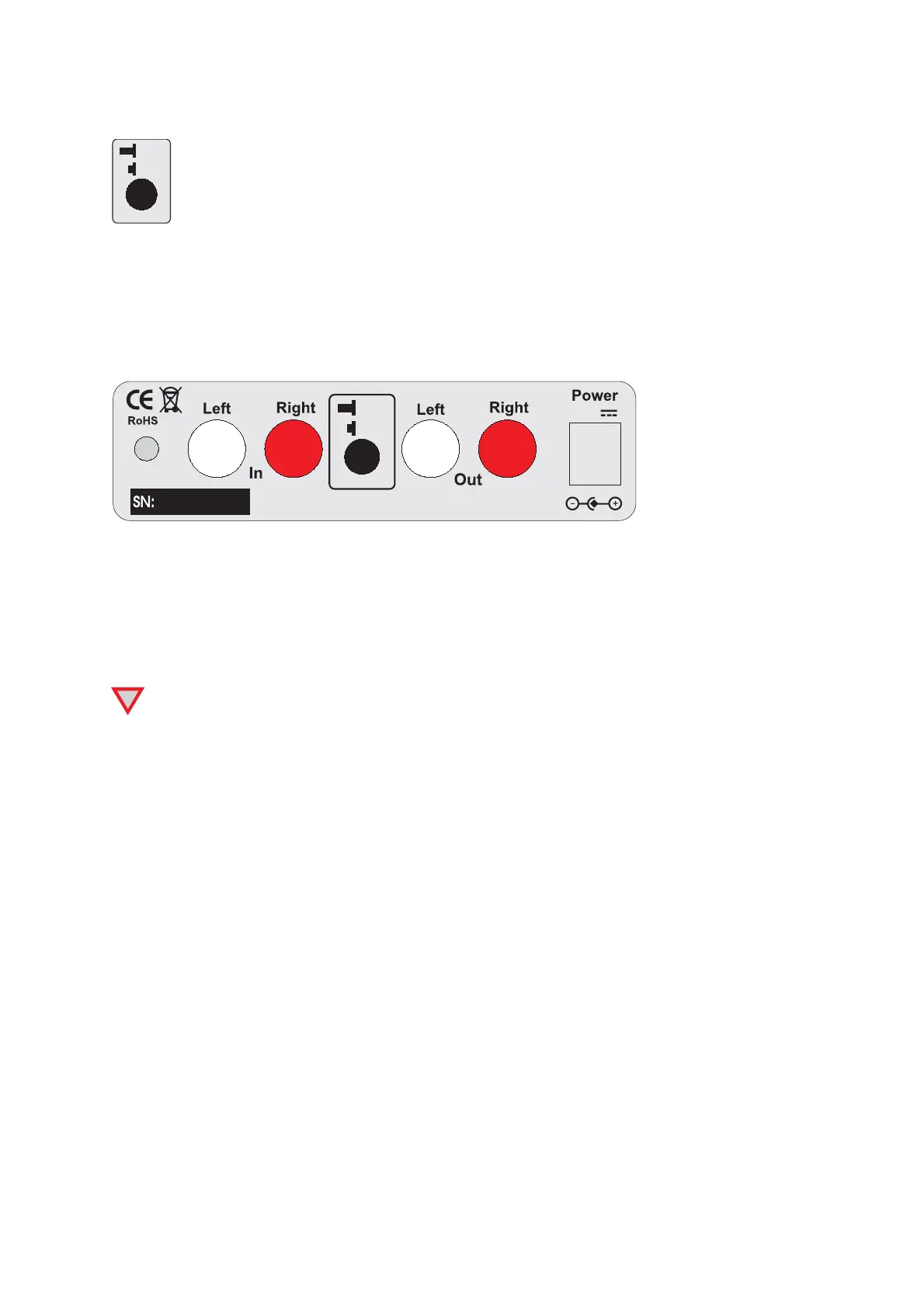
Subsonic filter
ON
OFF
Subsonic
A switch at the back of the phono amplifier activates and deactivates the subsonic filter.
Connecting the record player
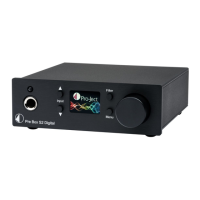
Connect the tonearm signal lead to the In of the phono amplifier. The earthing wire may be connected to the
screw terminal if you encounter hum problems when using the record player.
Take care to connect the left and right channels correctly. The right channel is usually marked red, the left
channel black or white. The earthing wire of the tonearm lead should be connected to the earth terminal.
Pro-Ject Audio Systems, Vienna, Austria
18V
ON
OFF
Subsonic
Connection to the amplifier
Connect the Out of the phono amplifier to a line input (such as AUX, CD, Tuner, Tape or Video) on your
amplifier.
Take care to connect the left and right channels correctly. The right channel is usually marked red, the left
channel black or white.
!
Make all connections whilst the phono amplifier is disconnected from the power supply.
Do not connect the phono amplifiers output to a phono input (sometimes labelled gram, disc or RIAA)
on the amplifier.
Mains power connection
The phono amplifier is supplied with a power supply suitable for your country's mains supply. Check the label
before connecting to ensure compliance with the mains rating in your house. Connect the low voltage plug
from the power supply to the Power 18V
"
socket of the phono amplifier before connecting the power supply
to the mains.
Stand-By
The button on the front panel of the unit alternately turns the power on or returns it to standby mode. The blue
LED on the front panel shows that the unit is powered on.


 To Next Page