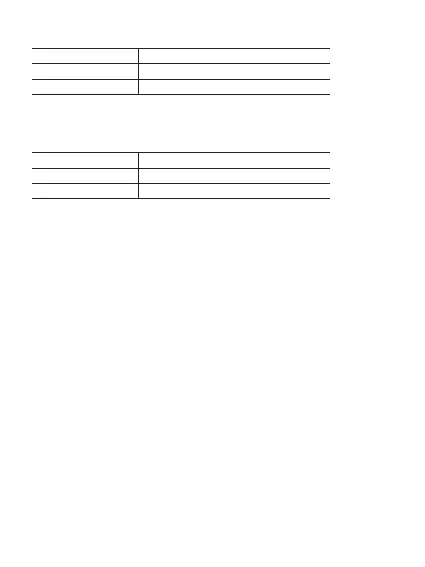
Status
Unpaired
Paired successfully
Indicator
Blinking blue slowly
Static blue
Status
Unpaired
Paired successfully
Indicator
Blinking blue slowly
Static blue
Power Button
• Press and hold for 2 seconds to power on or o.
• Press to access the options of the gain or volume. Refer to “Receiver’s
Screen Operations” for more details.
M Button
For setting values or functions in the receiver’s menu. Refer to “Receiver’s
Screen Operations” for more details.
3.5mm TRS Headphones Port
Connect your headphones to monitor the audio output in real-time or
listen to the playback of the audio.
3.5mm TRS Output
For analog audio output to a camera, mixer or recorder, etc.
Charging Contacts
Connecting Contacts
USB-C Charging Port
For charging the receiver. An external device can be powered and
charged through this port while the receiver with a USB-C or iOS
Lightning adapter is plugged into it.
MFi Certified Lightning Adapter
It can be connected to an iOS Lightning device.
USB-C Adapter
It can be connected to Android Smartphones, Tablets, Computers and
other USB-C devices.
Status Indicator for Channel A
Belt Clip
OLED Screen
Status Indicator for Channel B


 To Next Page