6
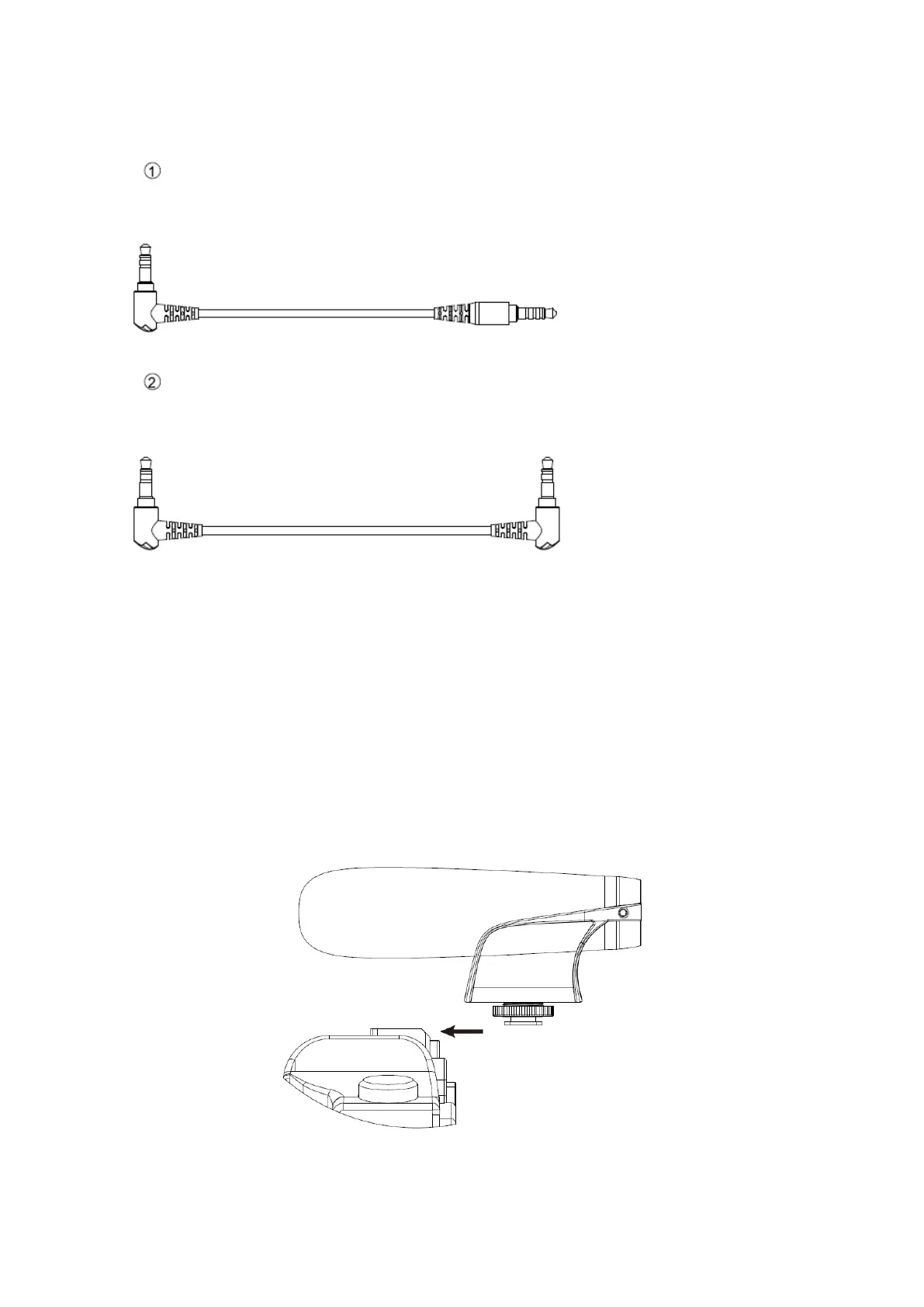
What’s difference?
Setting up your microphone with camera
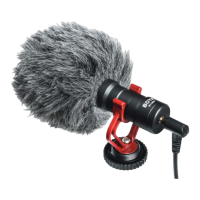
1. Loosen the locking knob, then slide the microphone’s hot shoe mount onto the
camera.
2. Tighten the locking knob, to secure the microphone.
3. Use the 3.5mm TRS audio cable to connect the camera and microphone.
- For Smartphone, tablet, or Mac
- 1 terminal is 90 degree, another side is straight
- For cameras, camcorders, audio recorders and other audio/video recording devices
- Both terminals are 90 degree


 To Next Page