4
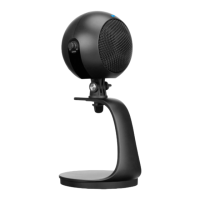
Product Diagram
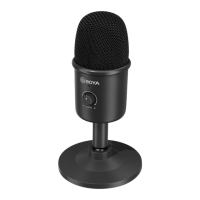
1. Cardioid microphone capsule
2. Status indicator
Noise cancellation on: Blinking red once
Noise cancellation off: Blinking red twice
Mute on: Blinking red
Mute off: Static red
3. Angle adjusting joint
4. Mic desktop stand
5. Speak / Mute / NR button
Press the button to mute or activate the microphone.
Press and hold for three seconds to turn on or off the function of noise
cancellation.
6. Type-C audio output



 To Next Page