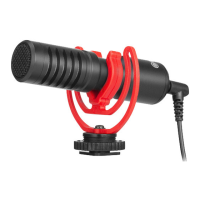
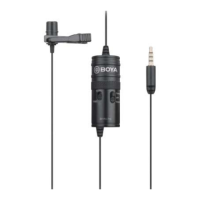
Omni-directional
microphone
Picks up sound. The sound enters through the holes in
the top of the capsule.
2
Provides power for the microphone for use with cameras
and other devices requiring a powered mic.
Turns power on to the microphone. For use with
cameras and other devices requiring a powered mic.
Switch to OFF mode when you stop recording to save
battery.
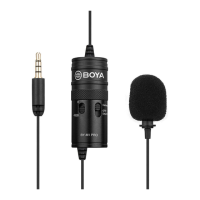
Switch to Smartphone mode to allow the BY-M1 Pro
works on mobile devices like smartphones, tablets, and
PC etc that with a 3.5mm input jack.
Connects the microphone to the Smartphone, camera,
camcorder, or other recording device.
Switch to 0/-10dB according to the recording
environment. With -10dB pad switch, it effectively
reduces unwanted plosive when the subject sound is
very loud and close to the microphone.
In Smartphone mode, playback headphone monitoring is
allowed.
Features
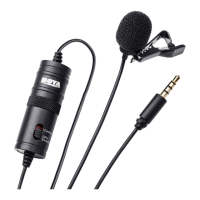
• Clip-on Mic for Smartphones, DSLRs, camcorders, audio recorders, PC etc.
• High-quality condenser, ideal for video use.
• Low handling noise.
• Includes lapel clip, LR44 battery, foam windscreen, 1/4" adapter.
• Play back headphone monitoring in Smartphone mode.
• -10dB sound attenuation.
Using the microphone
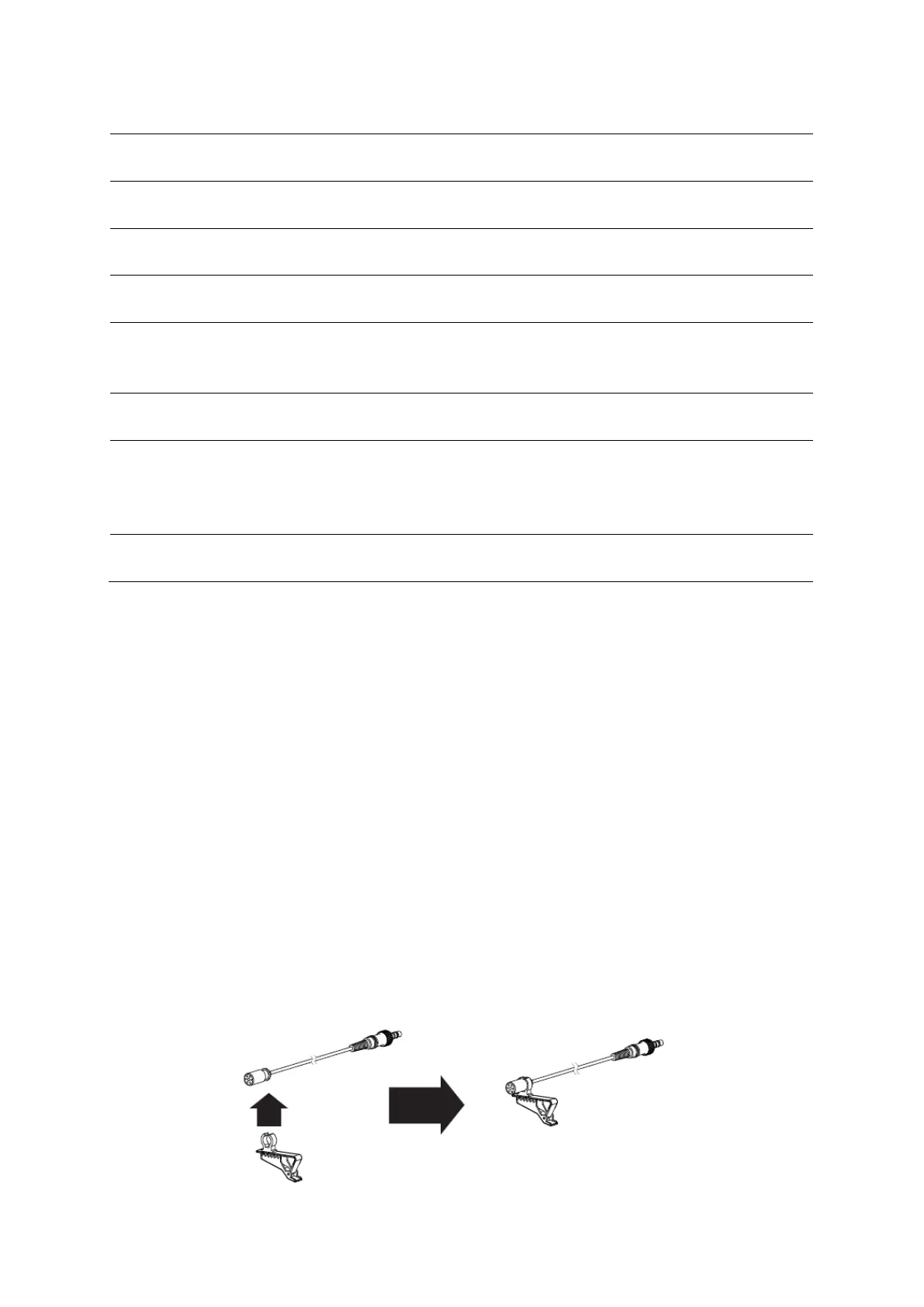
Attaching the microphone to the clothing clip
• Insert the microphone into the plastic loop on the clothing clip.


 To Next Page