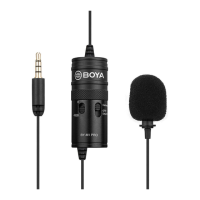
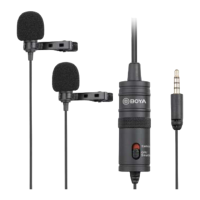
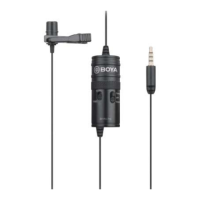
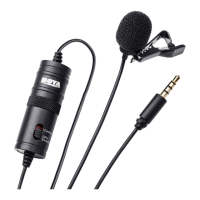
Omni-directional
microphone
Picks up sound. The sound enters through the holes in
the top of the capsule.
2
Provides power for the microphone for use with cameras
and other devices requiring a powered mic.
Turns power on to the microphone. For use with
cameras and other devices requiring a powered mic.
setting
Turns the power off to the microphone. For use with
Smartphones and other devices requiring an unpowered
mic.
Note: Keep the device on this mode when not in use to
Connects the microphone to the Smartphone, camera,
camcorder, or other recording device.
Using the microphone
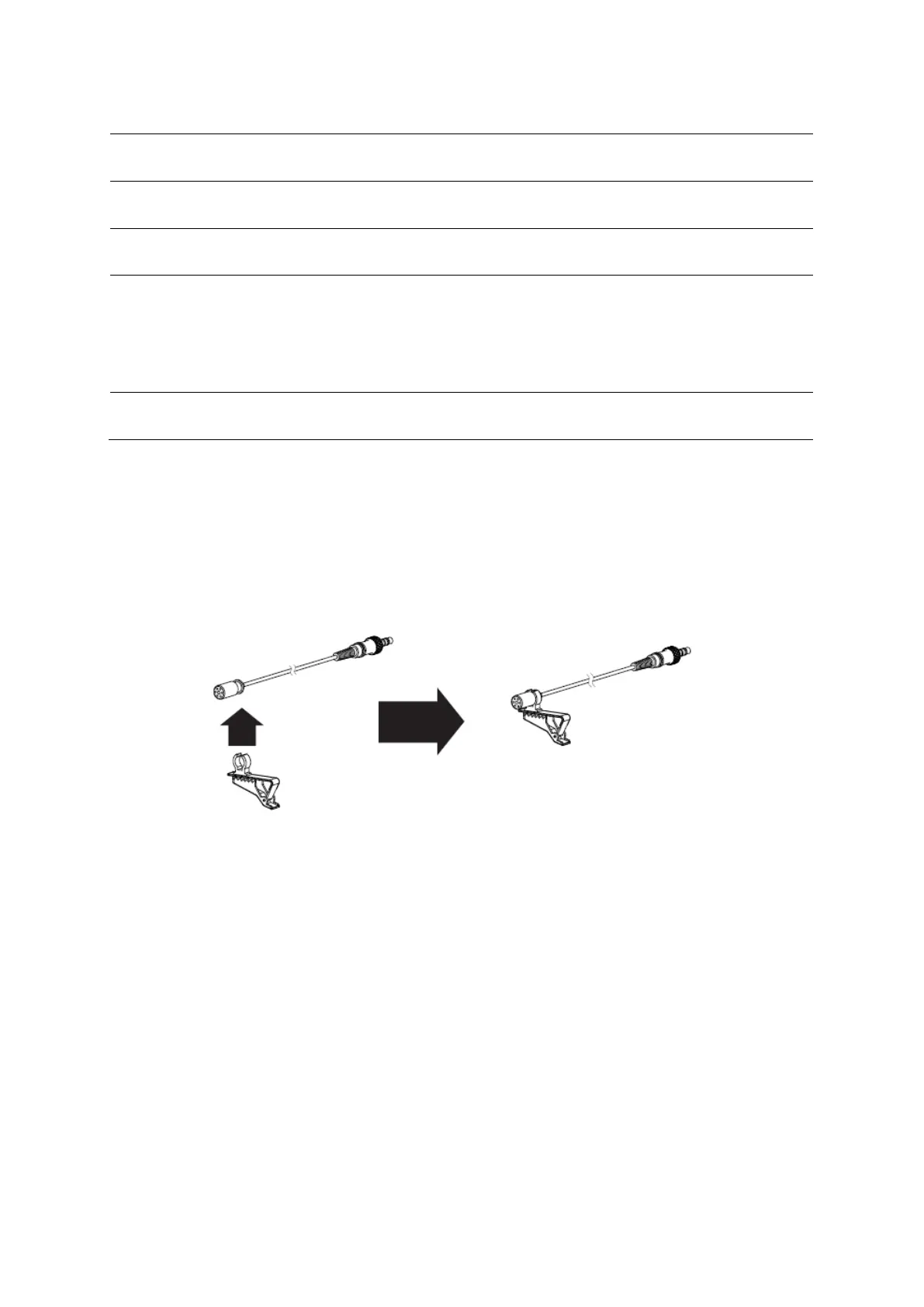
Attaching the microphone to the clothing clip
• Insert the microphone into the plastic loop on the clothing clip.
Notes:
• Attach the microphone upside down to reduce excessive breath noises and tonal
inconsistencies due to head movements.
• It is recommended that you always use the foam wind screen to avoid wind noise, even
when recording inside.
Mounting the microphone to your clothing
• Attach the microphone to the front of your clothing with the clothing clip, about
six inches (15-20 cm) from your face.
Notes:
• Tape a loose loop of the microphone cord to the inside of your clothing. This provides
additional strain relief for the microphone cord and isolation from unwanted noise.
• Before recording an important event, record and play back a short test clip with the
microphone attached to ensure audio recording is functioning properly.


 To Next Page