4
Tips and notes:
Using the microphone with a smartphone
① Tape a loose loop of the microphone cord to the inside
of your clothing.
This provides additional strain relief for the microphone
cord and isolation from unwanted noise.
② Before recording an important event, record and play back
a short test clip with the microphone attached to ensure
audio recording is functioning properly.
1. Attach the microphone to your clothing (see previous
instructions).
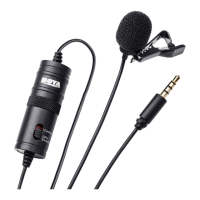
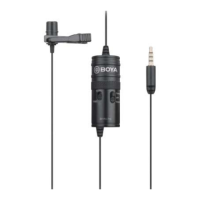
2. Slide the Camera/Smartphone switch to Smartphone.
3. Plug the 3.5mm connector into the audio jack of your
smartphone.
4. Open an audio or video recording app and start recording.
Using the microphone with a camera
1. Attach the microphone to your clothing (see previous
instructions).
2. Slide the Camera/Smartphone switch to Camera.
3. Plug the 3.5mm connector into the audio input jack of
your DSLR, Point and Shoot camera, or camcorder, and
start lming.


 To Next Page