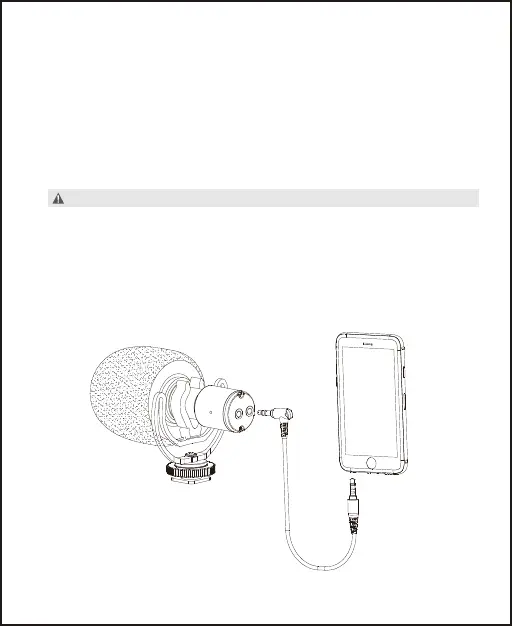
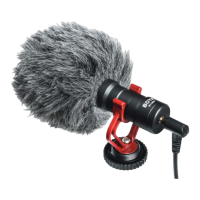
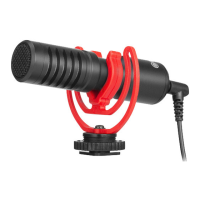
Attach the microphone to smartphone
or tablet.
1. Connect 3.5mm TRRS to TRRS output cable into your
smartphone, tablet.
2. Open the audio or video recording app and start recording.
3. When finishing, plug the 3.5mm headphone output and
playback the previous audio you recorded.
NOTE:
If you need to monitor the audio in playback mode, please
make sure that you have turned on monitoring function on
the audio app.
7


 To Next Page