8
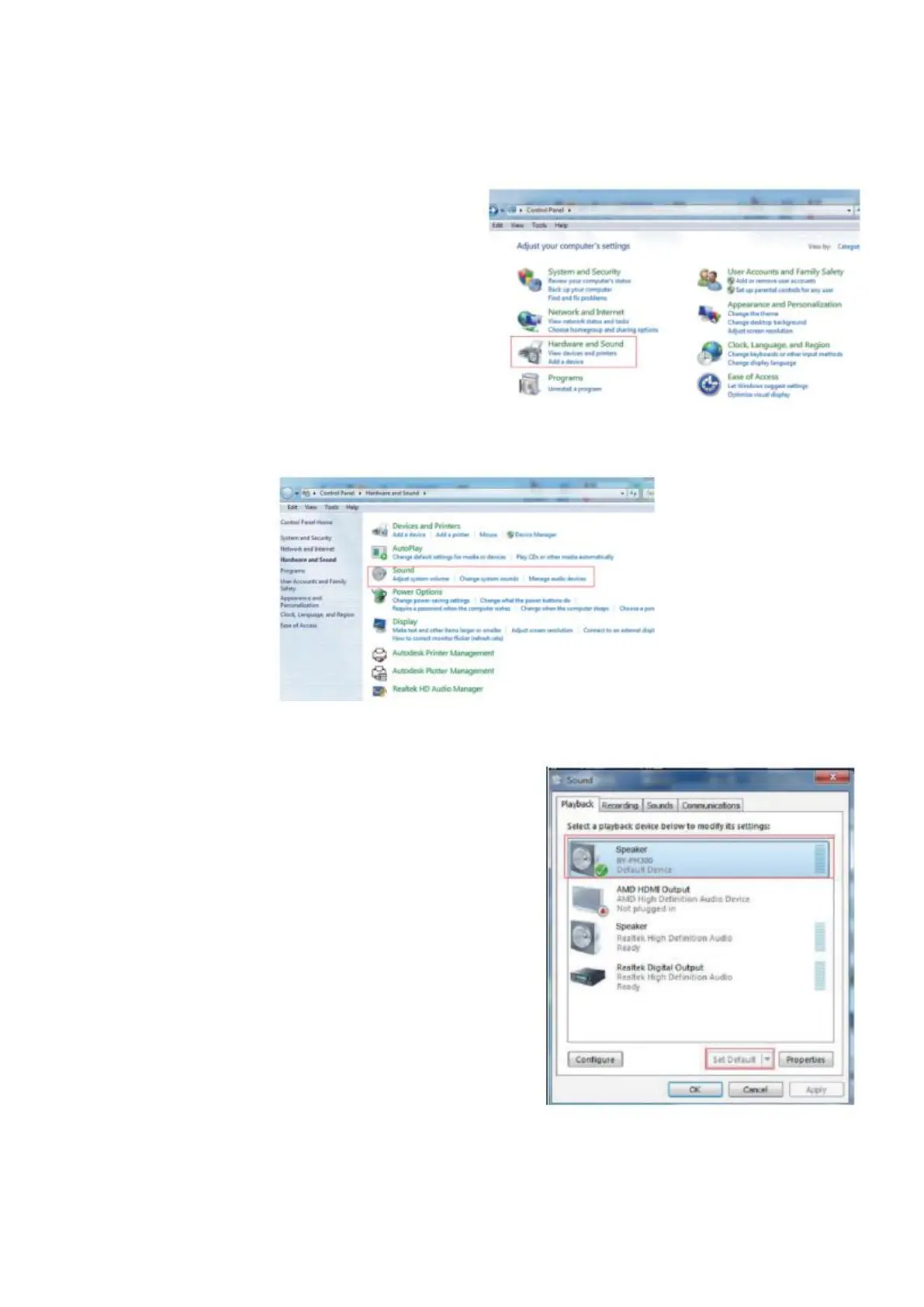
Setup for Windows 7
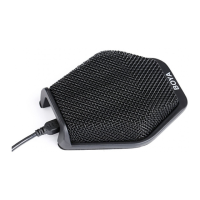
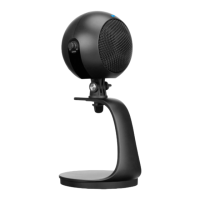
1. Connect the microphone to your
computer using the supplied USB-A
cable.
2. From the “Setting Menu”, select the
“Control Panel”.
3. Go to “Control Panel”, select “Hardware
and Sound”.
4. Select “Sound”
5. Select “Speaker BY-PM300” as the default device
in the “Sound”, under “Playback” menu


 To Next Page