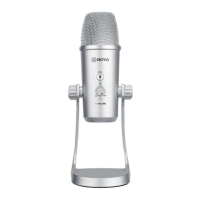
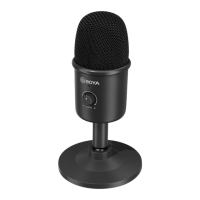
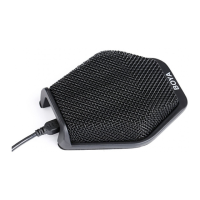
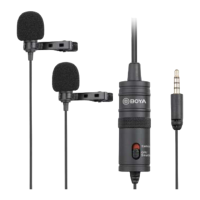
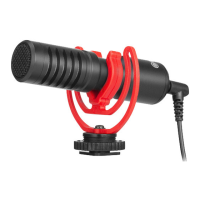
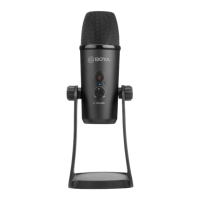
Diagram
1. Tri-Capsule Array
2. Power Indicator
3. Mute Button
Press mute button. When LED indicator is red, muting function is on.
4. Headphone Volume Control
5. Screws
6. Desk Stand
7. Microphone Gain
8. Stereo Pattern
Pick up the sound from left and right side, it is ideal for capturing a realistic,
general sound.
9. Cardioid Pattern
Maximizes the rejection of sound coming from the sides and rear of the mic and
can be used as a directional microphone to capture full, rich, natural-sounding
audio for podcast, speech, dialog, instrument etc.
10. Omnidirectional Pattern
Pick up sound equally from all directions, capturing a natural blend of voice and
ambiance with low sensitivity to wind and handling noise, as well as to vocal
plosives.
11. Bi-directional Pattern
Pick up sound at the front and rear of the microphone, while sounds to the sides
are not picked up, it fits for capturing instruments, or recording an interview
between two people.
12. Mini USB Connection
13. Headphone Output
14. 5/8” screw


 To Next Page