www.boyue.com
Copyright 2019 © Shenzhen Boyue Technology Co. Ltd. All rights reserved.
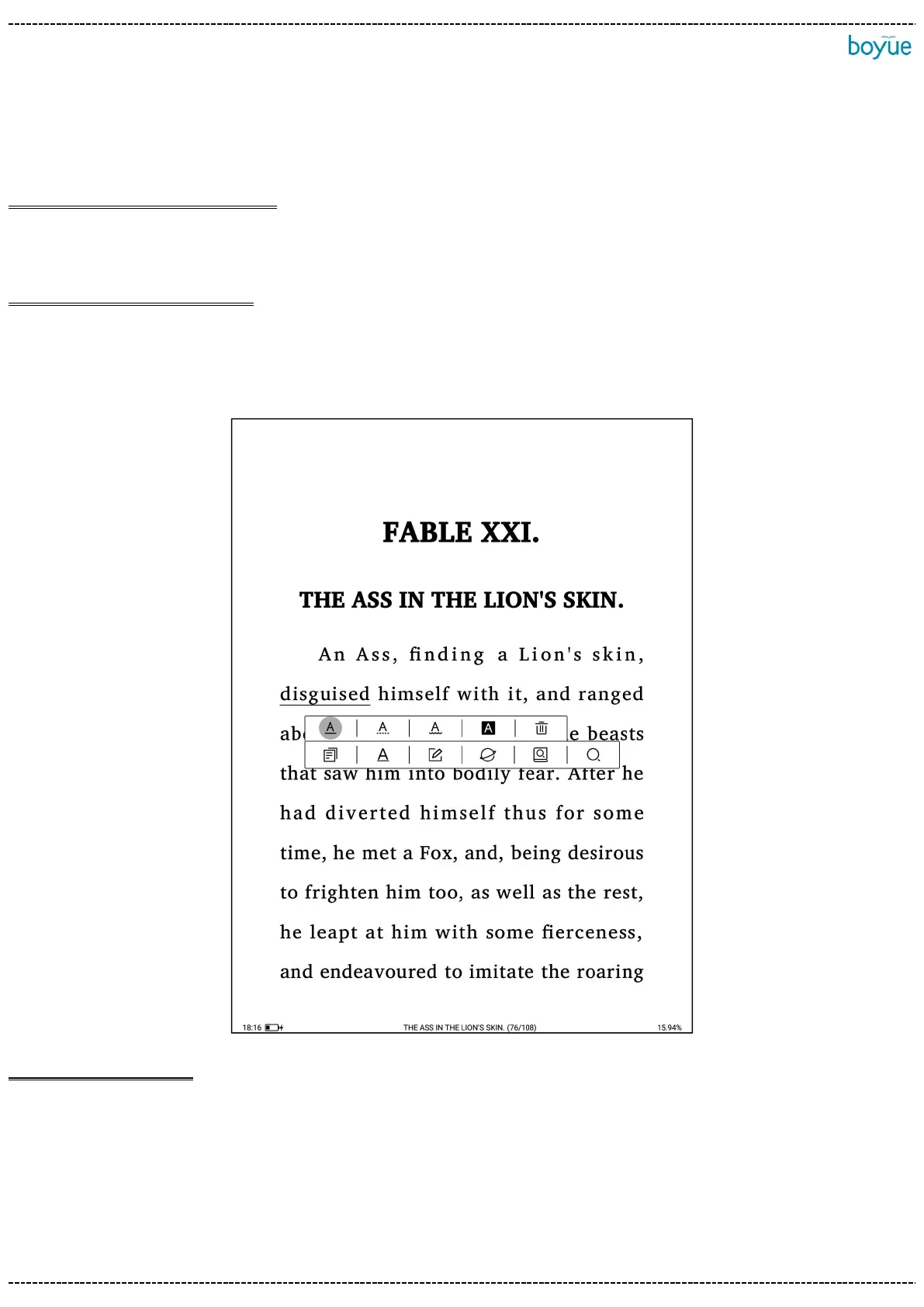
selected, and a dialog box pops up on the page. The dialog box options include copy,
underline, annotation, encyclopedia, dictionary / translation, and full-text search.
Word selection and copy:After selecting on the dialog box, you can copy the selected
content. In any editing interface, long press the screen to paste the copied content;
Selection and marking: After selecting on the dialog box, the selected text will be
underlined; Clicking the underlined text again to set the underlined type (line, dotted
line, wavy line), highlight and delete the underlined operation.
Add annotations: Select on the dialog box to enter the editing annotation interface;
after saving the annotation, a dash will appear for the word and a floating window will
appear at the end of the word. Clicking the small floating window to view the
annotation information.



 To Next Page