www.boyue.com
Copyright 2019 © Shenzhen Boyue Technology Co. Ltd. All rights reserved.
1.2 Status Bar
Refresh all: Clicking the refresh icon in the status bar to perform refresh all
operation.
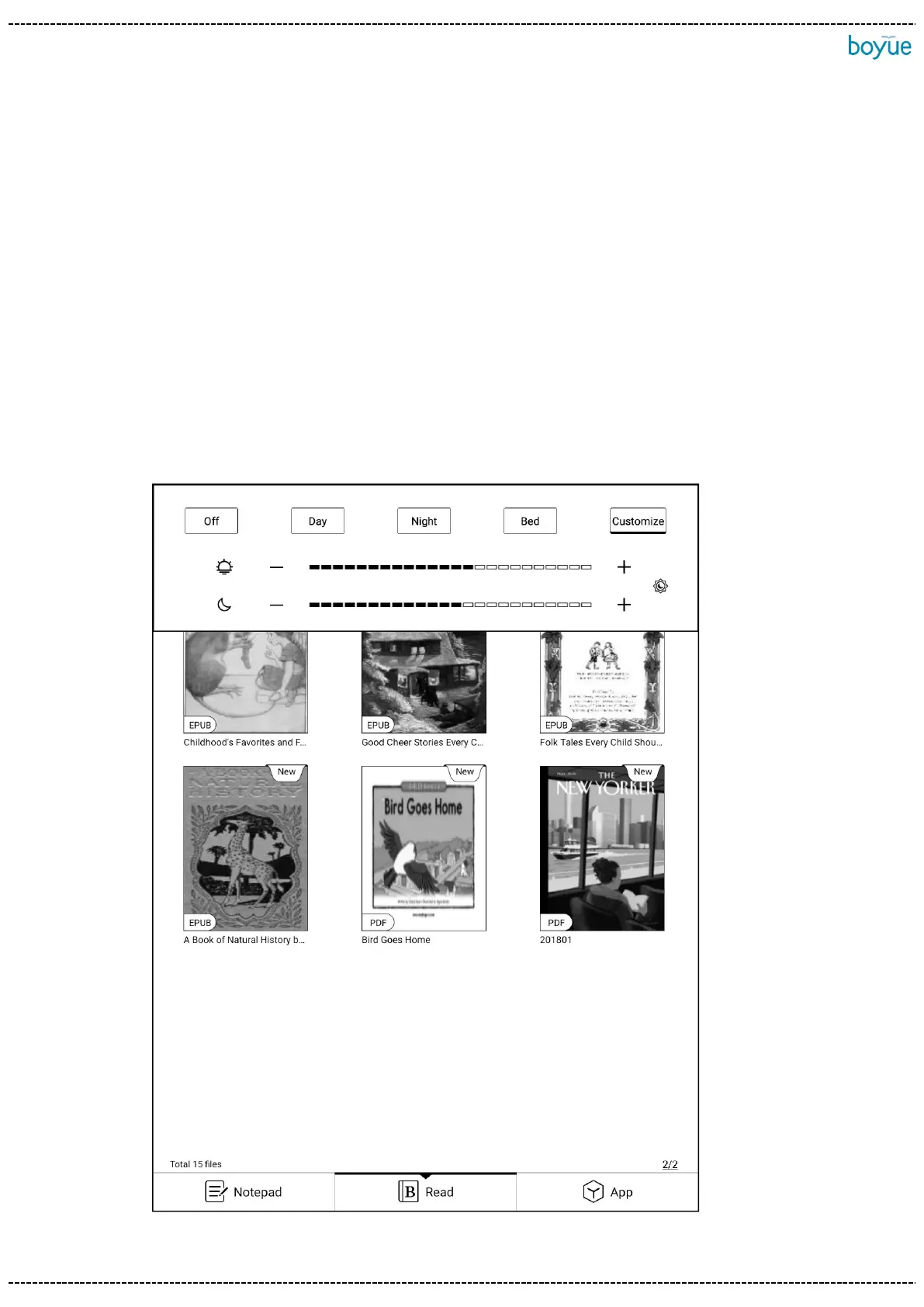
Brightness: Clicking the brightness icon to enter the brightness adjustment
interface. There are four preset modes by default: "Off", "Day", "Night" and "Bed".
Clicking "Customize" to set the brightness manually. The brightness "+" is followed by
the joint adjustment menu. After Clicking , the cold and warm backlight will be
increased or decreased by the same range.



 To Next Page