OVERVIEW
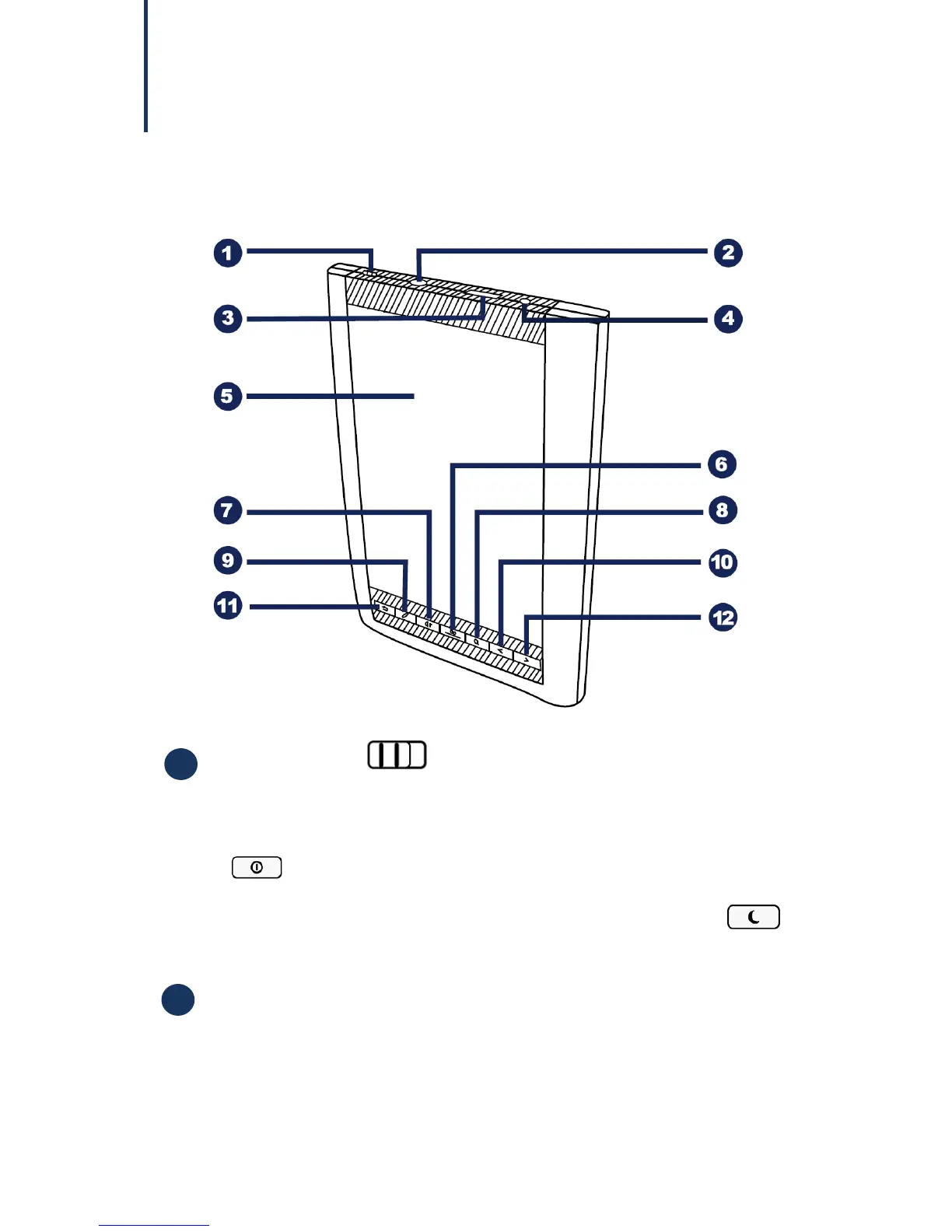
Front View
Power switch
Slide and hold the power switch for 5 seconds, and then release it
to turn on the device. To turn it off, slide this switch and then tap
.
To enter Sleep mode, slide this switch at any time and tap .
To disable Sleep mode, slide this switch again.
Micro USB port
The Micro USB port allows you to connect the device to a
computer in order to transfer files from your computer to the
device, and vice versa. Uses to charge the battery of your device.



 To Next Page