3
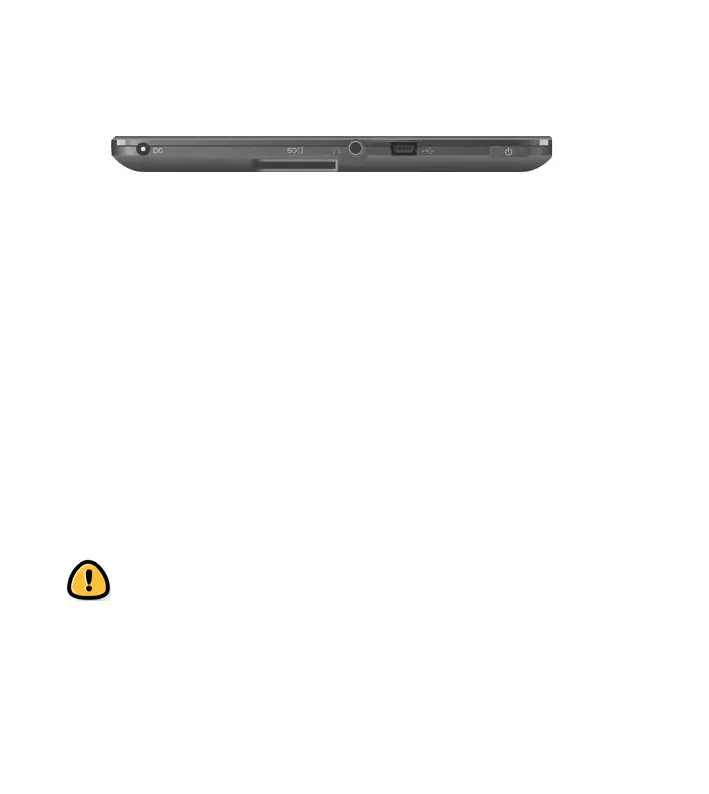
f - DC-IN port - Connect to any standard electrical source with
the AC adaptor supplied.
g - SD card slot - Insert a MicroSD card into the memory card
slot to access image/ audio/ text files stored on the card
h - Headphone Jack - Insert your headphone connector into
this jack to listen to the audio files through the headphones.
i - USB port - The USB connects the device to a computer.
j - Power button - Press and hold down a few seconds to switch
off unit.
Warning: Do NOT insert or remove the memory card
when the device is playing files or transferring data. It
may cause errors.



 To Next Page