4
STARTING UP
Charging the battery
The device contains a rechargeable Li-ion battery. To charge the
battery of your bq Voltaire, insert the power cord to any
standard outlet power cord AC adaptor in the power port and
connect. Once the battery is completely charged, the battery
icon will turn “full” . The approximate time for charging the
battery is 5 hours.
It is best to completely charge the battery before using
the device for the first time.
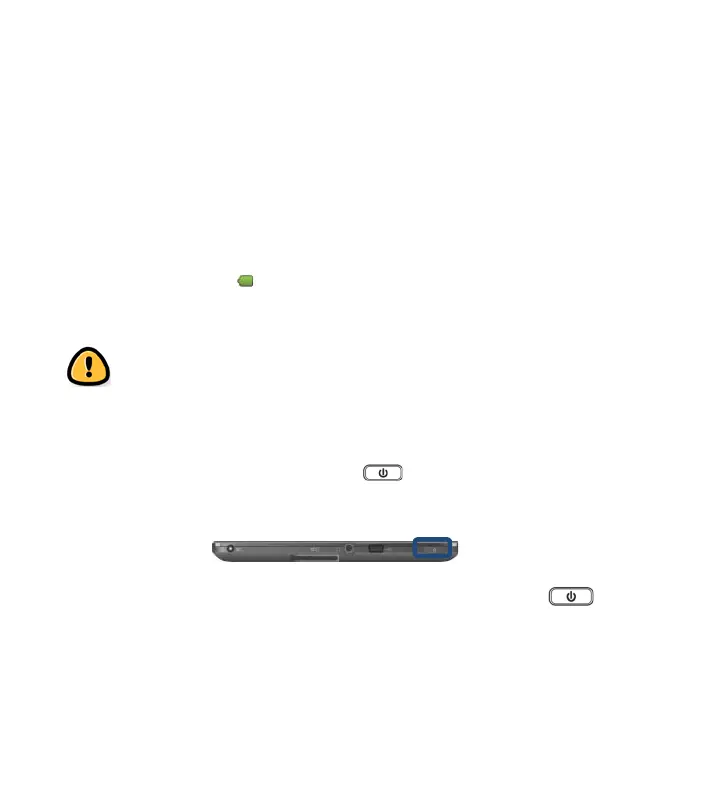
Turning your device On and Off
Press and hold the Power button to turn on the device.
You will enter the Home screen after system startup.
To turn the device off, press and hold the Power button
until the Device options menu appears. Touch Power off and
confirm with OK.



 To Next Page