- 13 -
Changing the display
settings
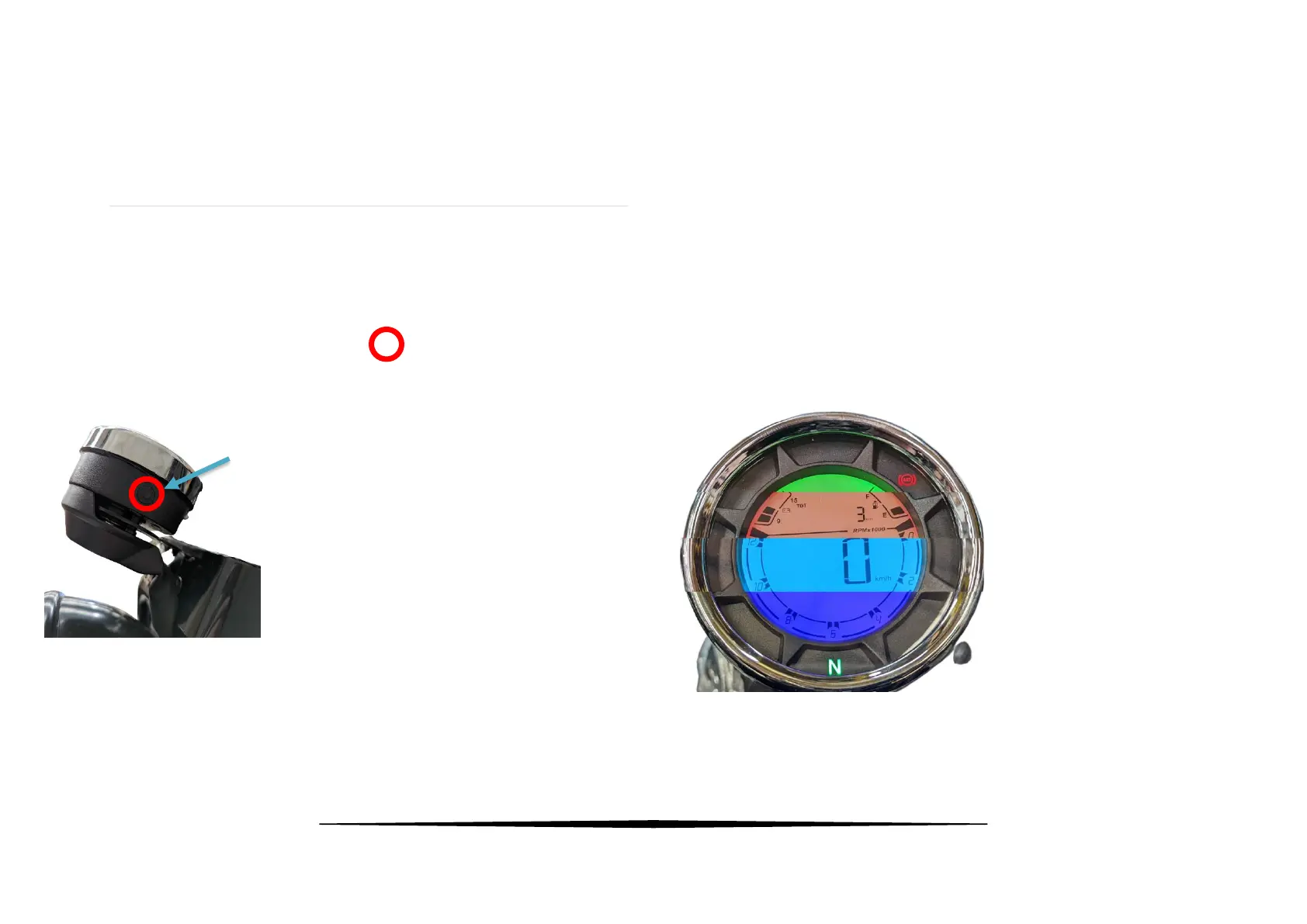
The control button on the left-hand side of the display is used to change
features on the display. To highlight the location of this button, it has
been highlighted by a red circle like this:
Changing the display colour
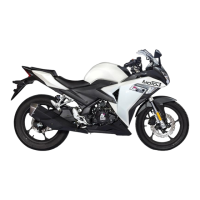
The display colour can be changed on the Cruiser400.
There are multiple different colours to choose from. Each new colour
fills the whole display.
The bike needs to have the ignition turned on to change the display.
Press and hold the control button as seen in the previous picture until
the display colour changes. Repeat the process until you find the colour
you like.


 To Next Page