EasyManua.ls Logo

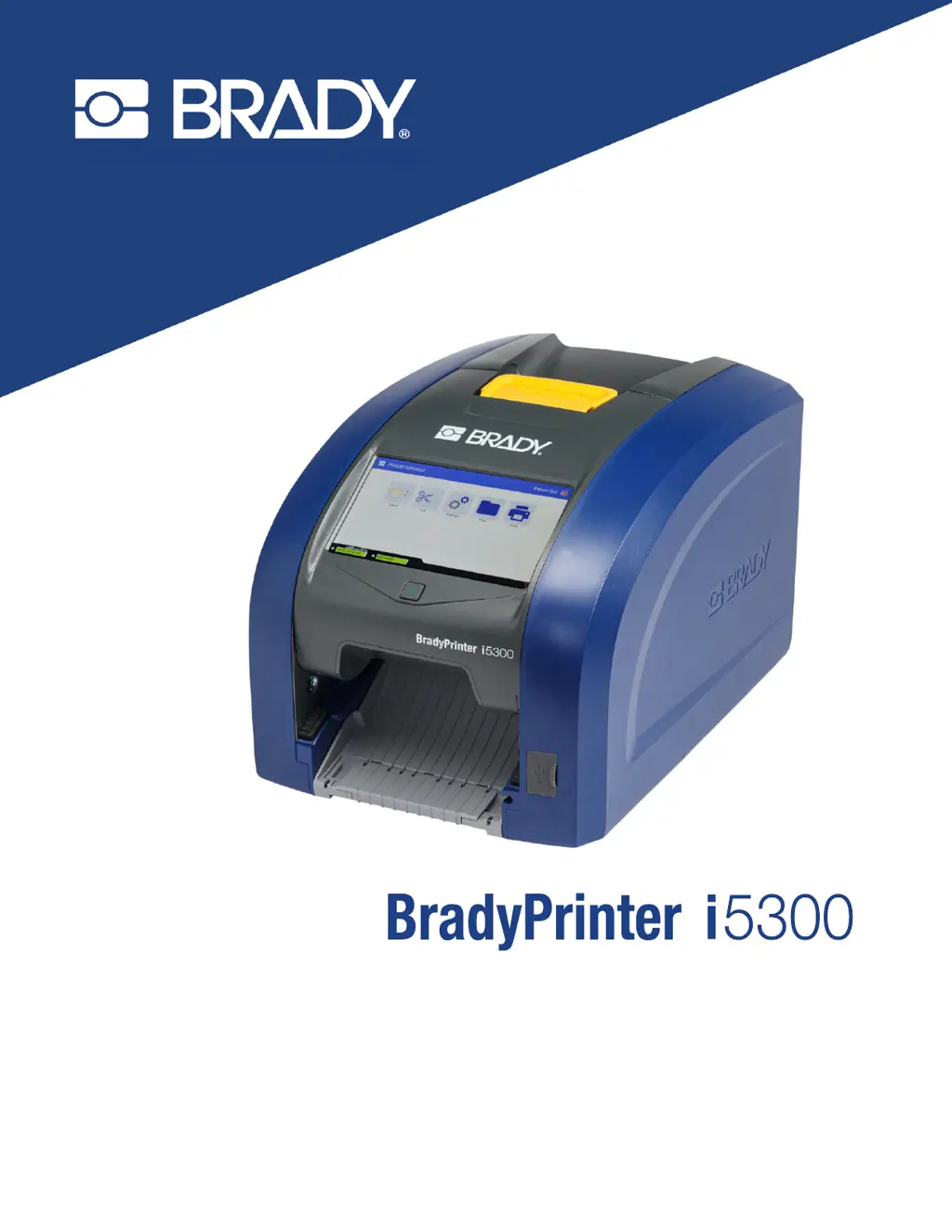
BRADY Worldwide BradyPrinter i5300 - User Manual

BRADY Worldwide BradyPrinter i5300
73 pages
Print Icon
To Next Page IconTo Next Page
Loading...
User Manual

Table of Contents

Questions and Answers

Summary

Safety and Environment

Precautions

Essential safety guidelines to follow before operating the printer to ensure safe usage.

Technical Support and Registration

Contact Information

Details for reaching Brady Technical Support offices globally for assistance.

Registration Information

Instructions for registering your printer online to receive support and updates.

Repair and Return

Guidance on contacting support for product repair or replacement services.

Document Conventions

Explanation of formatting conventions used throughout the manual for improved clarity.

1 Introduction

Features and Functions

Overview of key features and capabilities of the BradyPrinter i5300.

Compatible Software

Information on software compatible with the printer, including Brady Workstation.

System Specifications

Technical details like weight, dimensions, operating temperature, and print resolution.

2 Setup

Unpacking the Printer

Steps for carefully unpacking and inspecting the printer upon arrival.

Registration

Instructions on how to register your printer online for support.

Printer Components

Identification and description of exterior printer components and their functions.

Power

Guide to connecting the printer to power and basic power management features.

Software for Creating Labels

Instructions for installing and using Brady Workstation software for label design.

Connecting the Printer

Methods for connecting the printer to a computer via Ethernet, Wi-Fi, or USB.

Installing the Windows Driver (Optional)

Information on when and how to install the printer driver for third-party software.

Install or Change Supplies

Detailed instructions for loading and changing label rolls and ribbon cartridges.

Printer Settings

Configuration options for language, keyboards, units of measure, date, and time.

Recycling the Label and Ribbon Cartridges

Procedures and materials required for dismantling and recycling printer cartridges.

3 General Operation

Using the Touchscreen

Guide to interacting with the printer's touchscreen interface for various functions.

Navigation and Status Bar

Explanation of the printer's navigation buttons and status bar icons.

Material Details

How to view detailed information about installed label and ribbon supplies.

Creating Labels

Process for creating label files using Brady Workstation software.

Storing Files on the Printer

Instructions for saving label files directly onto the printer for later printing.

Printing Labels

General guidelines and considerations for printing labels, including cut settings and supply checks.

Using the Print Screen

Understanding the controls and information displayed on the screen during printing.

Using the File List

How to navigate, select, and manage label files stored on the printer or USB drive.

Using the Print Queue

Managing print jobs, adding files, and removing items from the print queue.

Adjusting Print Settings

Customizing print speed, energy, position, and cutting options for optimal output.

External Hardware

Steps for connecting an external keyboard to the printer via a USB port.

4 Using Scripts

Graphics & Fonts

How to import graphics and fonts to the printer for use in scripts.

Running a Script

Instructions for preparing and executing scripts on the BradyPrinter i5300.

5 Maintenance

Displaying System Information

How to view printer system information, including firmware version.

Installing Firmware Upgrades

Procedure for downloading and installing firmware updates for the printer.

Updating Y and B Values

Guide to updating the printer's database with new label and ribbon supply information.

Cleaning the Printer

Comprehensive guide to cleaning various printer components like dust, printhead, roller, sensors, and cutter.

Clearing Jams

Step-by-step instructions for clearing both printer and cutter jams.

Replacing the Supply Wiper

Instructions for replacing the supply wiper pad to maintain print quality.

Replacing the Printhead

Procedure for replacing the printhead if print quality issues persist.

Replacing the Print Roller

Steps for replacing the print roller, which is crucial for maintaining print quality.

6 Troubleshooting

A Regulatory Compliance

Agency Compliance and Approvals

Information on compliance with regulations in the United States, Canada, Mexico, and Europe.

Wireless Regulatory Information

Details on country-specific radio regulations and approvals for Wi-Fi and Bluetooth.

B Licensing

End User License Agreement for Microsoft Windows CE

The End User License Agreement for the Microsoft Windows CE software used by the device.

BRADY Worldwide BradyPrinter i5300 Specifications

General IconGeneral
Print TechnologyThermal Transfer
Print Resolution300 dpi
Continuous vs Die Cut ModeBoth
Maximum Label Width112 mm
Max Print Width105.7 mm
ConnectivityUSB, Ethernet
DisplayColor
CutterYes
Supported Label WidthsUp to 112 mm
Power Supply100-240 VAC, 50-60 Hz
ApplicationIndustrial labeling